THINKCAR ThinkDiag Review: All-System Diagnostics and Active Tests on Your Phone
Published October 29, 2026
As an Amazon Associate we earn from qualifying purchases. This never changes which products we recommend.
Verdict
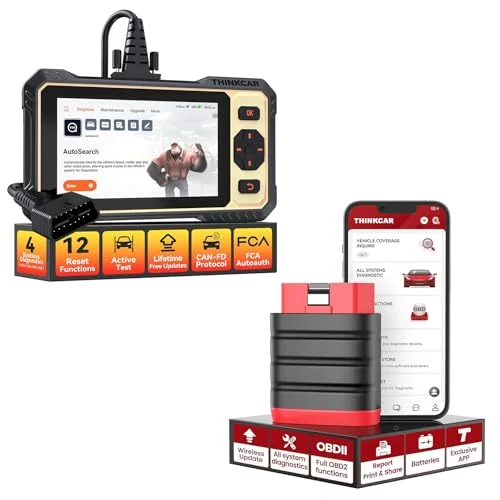
Worth considering
The THINKCAR ThinkDiag suits DIYers and small shops who want dealer-style all-system diagnostics and bidirectional tests on a phone without buying a handheld tablet. Its decisive limitation is that it is a Bluetooth dongle with no screen, so it depends entirely on a paired iOS or Android device and the app, and its coverage is stated for OBD-II compliant US vehicles only.
- Best for: DIYers chasing ABS, airbag or transmission codes a basic reader cannot see, Owners who want bidirectional tests and service resets without a handheld tablet, Small shops needing a low-cost all-system diagnostic dongle for US OBD-II vehicles
- Not for: Buyers who want a standalone screen and no phone dependency, Owners of pre-1996 OBD1 cars or vehicles outside US OBD-II coverage
Key takeaways
- The ThinkDiag is a Bluetooth full-system scan tool, not a basic code reader: it reaches ECM, TCM, ABS, SRS, BCM and more, which a check-engine-only reader cannot.
- Bidirectional active tests and 12 service reset functions put it in the same class as far more expensive handheld tools for many DIY jobs.
- Its main drawback is that it has no screen and no standalone operation; everything runs through the Car Scanner app on a paired phone or tablet.
- Coverage is stated for OBD-II compliant US vehicles, so older OBD1 cars and some imports fall outside its advertised scope.
Table of contents12 sections · tap to expand
The THINKCAR ThinkDiag is a Bluetooth OBD2 dongle that turns a phone or tablet into a full-system diagnostic tool. Unlike a basic code reader that only handles engine codes, it is built to read and clear faults across engine, transmission, ABS, airbag, body and other modules, run live data, perform bidirectional active tests and carry out service resets. This THINKCAR ThinkDiag review focuses on whether that capability is worth it for your situation.
The short answer: it is worth it if you want dealer-level access to multiple systems and bidirectional control without paying for a handheld scan tool, and you are comfortable running everything through an app. It is not worth it if you want a self-contained device with its own screen, or if your car falls outside the stated US OBD-II coverage. The sections below break down what it reads, what it commands, and where the real limits sit.
Specifications
Key specifications
| Specification | Detail | Why it matters |
|---|---|---|
| Type | Bidirectional scan tool | It can send commands to the car, not just read codes, which unlocks active tests and some service procedures. |
| Systems | All systems (per listing) | All-system access means ABS, SRS and transmission faults are visible, not just engine codes. |
| Service resets | 12 functions | Twelve reset functions cover common maintenance jobs that otherwise need a shop tool. |
| Updates | Free lifetime updates | No recurring update fee is stated, which lowers long-term cost. |
| Platform | iOS, Android | It works with both major phone platforms, so most buyers can use the device they already own. |
| App | Car Scanner | All functions run through the Car Scanner app, so app compatibility and familiarity matter. |
| Protocols | CAN, J1850, ISO 9141, KWP2000 | These protocols cover most OBD-II vehicles, though the listing scopes coverage to US OBD-II cars. |
What systems the THINKCAR ThinkDiag reads
The ThinkDiag is listed as an all-systems diagnostic tool, which is the key difference from a code reader. It is built to read and clear fault codes across the engine control module, transmission, ABS, airbag (SRS), body control and other modules, and to show control module information. A basic engine-only reader cannot see an ABS or airbag warning light at all, so for a used car with a dash warning beyond the check engine light, this class of tool is what reveals the cause.
That breadth matters for diagnosis, not repair. A code points to a circuit or system, not always to a failed part, and the ThinkDiag reads and clears codes rather than fixing anything. For a P0420 catalyst code or a P0300 misfire, all-system access helps you see related module data, but the actual repair still needs judgment or a mechanic.
Live data and bidirectional active tests
Bidirectional control is the ThinkDiag's strongest feature for DIY work. It can send commands to actuators and run active tests, which is what separates a bidirectional scan tool from a read-only reader. That capability supports procedures like cycling components during diagnosis, and it is the reason this device suits buyers who want to test systems rather than just read codes.
Live data is displayed as text or as a merged waveform chart, so sensor readings can be watched in real time. The tradeoff is that all of this appears on a phone or tablet through the Car Scanner app, not on a built-in screen. Buyers who prefer a large dedicated display should weigh that against the dongle's portability.
Service resets and maintenance functions
The ThinkDiag lists 12 service reset functions, covering common maintenance jobs that otherwise send owners to a shop. Service resets such as oil life, electronic parking brake retraction, steering angle and similar procedures are exactly where a basic code reader stops and a bidirectional tool earns its place. For a DIY brake job or an oil change on a car with an electronic reset, that function alone can justify the tool.
The exact 12 functions are not itemized in the published specifications, so confirm the specific resets your car needs before buying. A reset your vehicle requires but the tool does not list is a real gap, and it is worth checking against your model rather than assuming coverage.
Vehicle coverage and connection limits
Coverage is stated for US-based OBD-II compliant vehicles, including 12-volt sedans, SUVs, light-duty trucks, minivans and hybrids, across the CAN, J1850, ISO 9141 and KWP2000 protocols. That covers most US cars from 1996 onward, but it does not extend to pre-1996 OBD1 cars, which need a different adapter and tool, and it does not promise deep manufacturer-specific depth on every brand.
The connection is the other limit. The published specification lists a wired handheld connection, while the product is also described as a Bluetooth dongle, so buyers should confirm the exact variant and how it pairs before purchase. Either way, the device has no screen of its own and depends on a paired iOS or Android phone running the Car Scanner app.
Updates, app and ongoing cost
Updates are listed as free lifetime updates, which removes the recurring subscription cost some scan tools charge after a first free year. That is a meaningful advantage for a long-term owner, because the tool does not become stale or require a renewal to keep working. The app itself is the Car Scanner app, so the experience depends on that software rather than a proprietary handheld interface.
The tradeoff of an app-based tool is dependence on the phone: a dead battery, a pairing problem or an app update can interrupt a diagnostic session. Buyers who want a device that works the moment it is switched on, with no phone involved, are better served by a handheld scan tool.
Is the THINKCAR ThinkDiag worth it?
For a DIYer or small shop working on US OBD-II vehicles, the ThinkDiag packs all-system reading, bidirectional tests and 12 service resets into a phone-driven dongle with free lifetime updates. That combination is hard to match at the code-reader end of the market, where tools read engine codes only. It is a consider-level buy: strong capability, but conditional on your car and your tolerance for app-based operation.
Skip it if you need a standalone screen, if you own a pre-1996 OBD1 car, or if your vehicle falls outside the stated US OBD-II coverage. In those cases a simpler handheld reader or a different tool class fits better.
Strengths and weaknesses
Pros and cons
Pros
- Reads and clears codes across all major systems, including ABS, SRS and transmission, which a basic code reader cannot do
- Supports bidirectional active tests, enabling component testing rather than code reading alone
- Lists 12 service reset functions for common maintenance jobs
- Free lifetime updates remove recurring subscription cost
- Works with both iOS and Android through the Car Scanner app
Cons
- No built-in screen; every function depends on a paired phone or tablet and the app
- Coverage is stated for US OBD-II compliant vehicles, excluding pre-1996 OBD1 cars
- The 12 reset functions are not itemized, so buyers must confirm their specific resets are covered
- Connection is listed as wired handheld in the specifications while the product is also described as a Bluetooth dongle, so the exact variant needs confirming
Other options
Alternatives to consider
Autel AL319
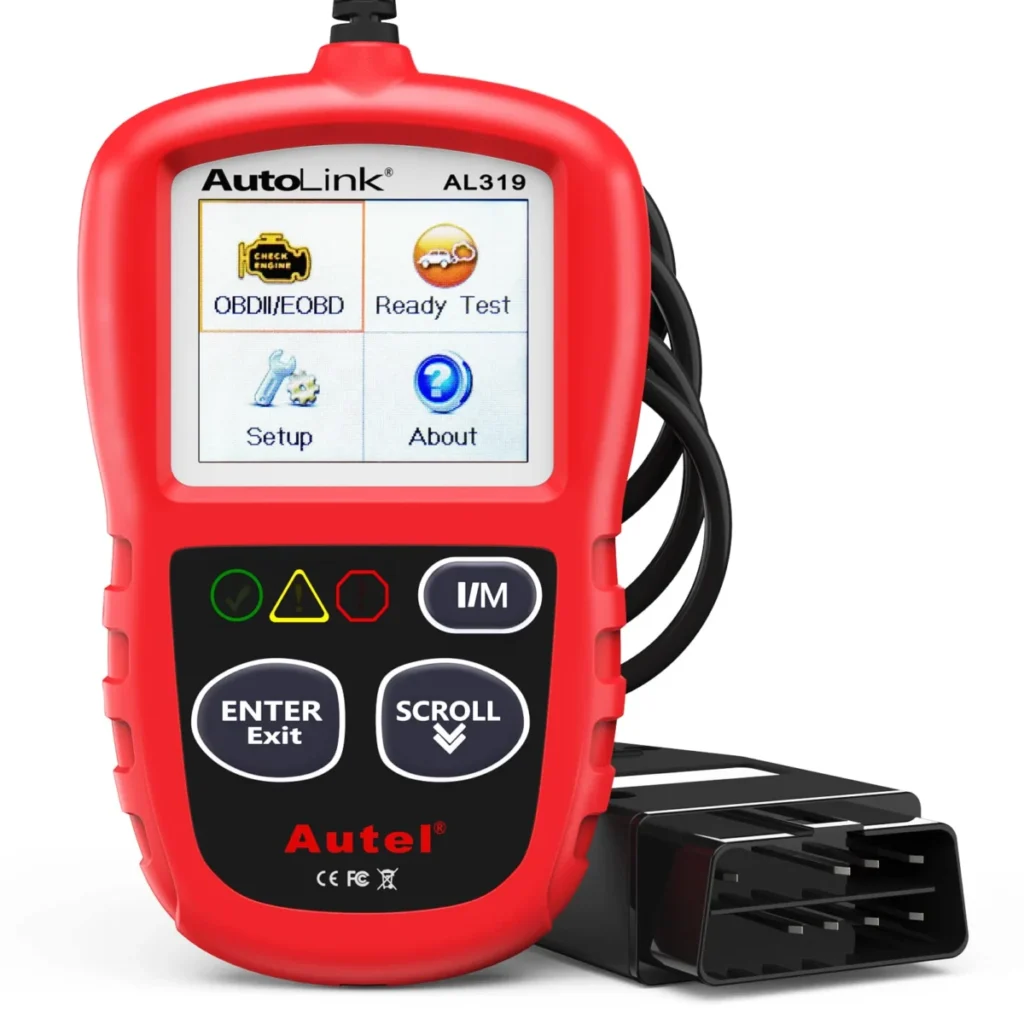
Choose the Autel AL319 if you only need to read and clear engine codes, view freeze frame and I/M readiness, and want a simple standalone handheld with no phone or app.
KONNWEI KW850

Choose the KONNWEI KW850 if you want a standalone engine-code reader with O2 and EVAP tests and a built-in battery tester, and do not need ABS, airbag or bidirectional functions.
See also: THINKCAR ThinkScan Plus Review: What It Reads and Where It Stops.
Common questions
Frequently asked questions
Can the ThinkDiag clear a check engine light for good?
It can read and clear stored codes, but clearing does not fix the underlying fault, and the light can return if the problem persists. Clearing codes also resets readiness monitors, so it does not by itself make a car pass an emissions test.
Does the THINKCAR ThinkDiag work on pre-1996 OBD1 cars?
No, the ThinkDiag is stated for OBD-II compliant US vehicles from 1996 onward. Pre-1996 cars use OBD1 connectors and protocols that require a different adapter and tool, so this dongle will not connect to them.
Do I need a phone to use the ThinkDiag?
Yes, the ThinkDiag has no built-in screen and runs entirely through the Car Scanner app on a paired iOS or Android device. Without a compatible phone or tablet, the dongle cannot display codes, live data or service functions.
Are updates for the ThinkDiag free?
The published specifications list free lifetime updates for the ThinkDiag, so there is no stated recurring subscription fee. That differs from some scan tools that charge after a first free year, but confirm the current terms before buying.
Can the ThinkDiag read ABS and airbag codes?
Yes, the ThinkDiag is listed as an all-systems tool that reads ABS, airbag (SRS), transmission and body modules in addition to engine codes. A basic engine-only code reader cannot see those systems, which is the main reason to choose this class of device.
Bottom line
Should you buy the THINKCAR ThinkDiag?
The THINKCAR ThinkDiag is a capable all-system Bluetooth scan tool for US OBD-II vehicles, with bidirectional tests, 12 service resets and free lifetime updates. It is a consider-level buy: the capability is real, but it depends on a phone and app, and its coverage does not extend to OBD1 cars.
Buy it if you want dealer-style multi-system diagnostics and active tests without a handheld tablet. If you only need engine codes, or you want a standalone screen, the Autel AL319 or KONNWEI KW850 fit better.
Keep reading
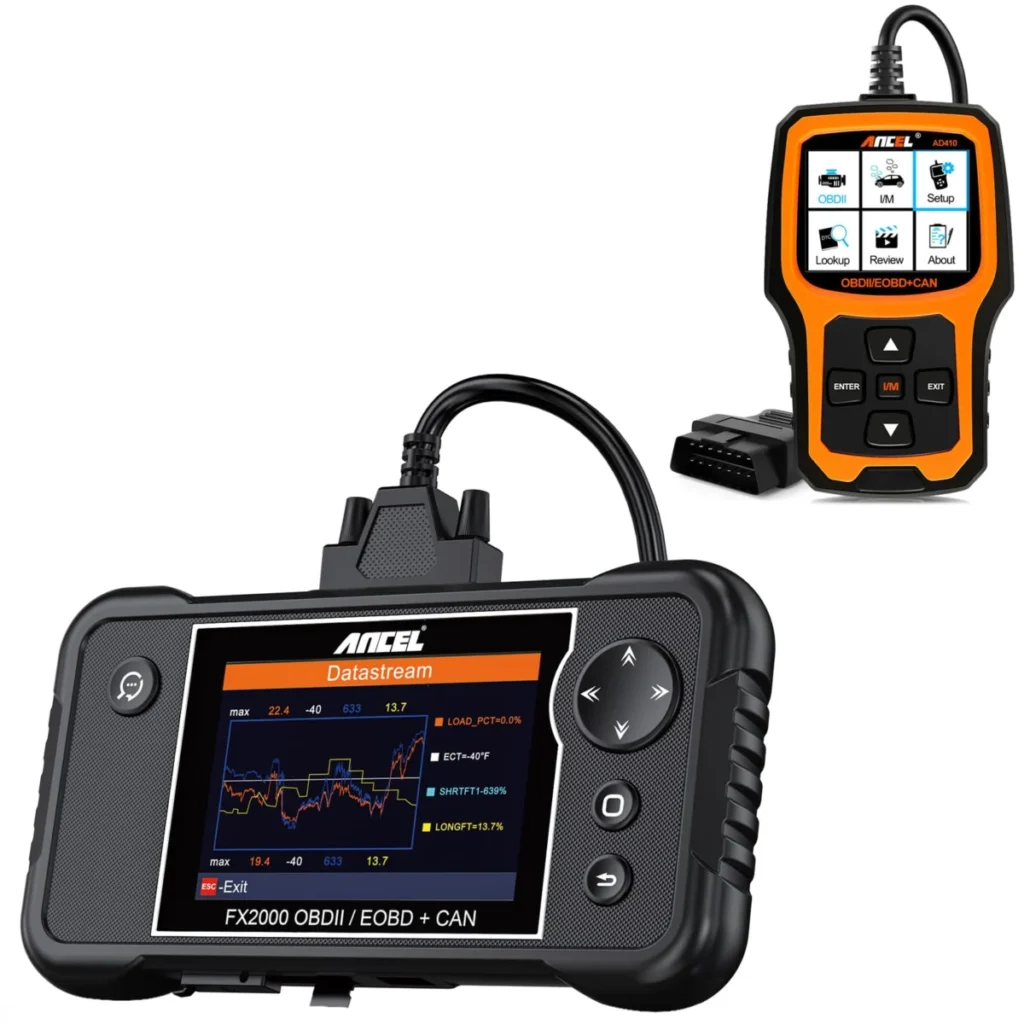
ANCEL FX2000 Review: Four-System Codes Without a Phone
Is the ANCEL FX2000 worth it? Our review weighs device class, systems read and bidirectional control, its pros and cons, and who…
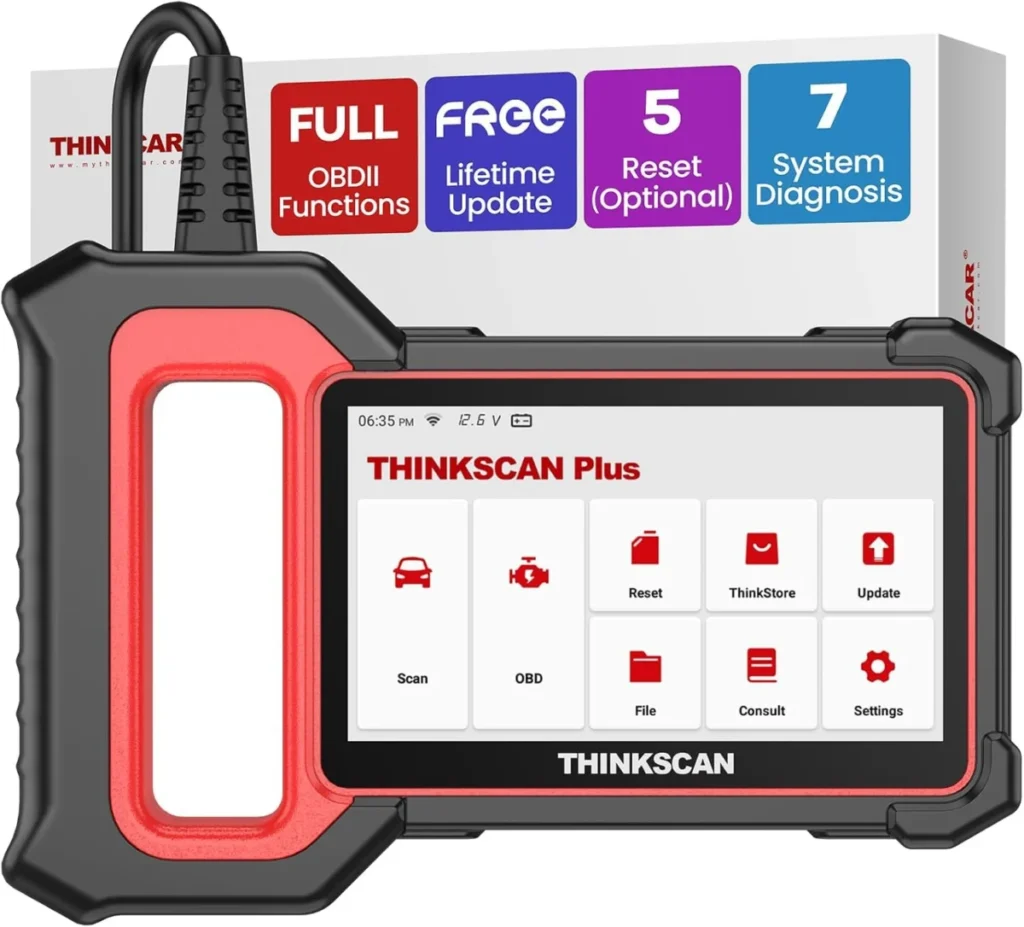
THINKCAR ThinkScan Plus Review: What It Reads and Where It Stops
THINKCAR ThinkScan Plus review: device class, systems and bidirectional control, honest pros and cons, and a clear verdict on who should buy…
Launch Creader 3001 Review: What This Code Reader Can and Cannot Diagnose
Launch Creader 3001 review: device class, systems read and vehicle coverage including, honest pros and cons, and a clear verdict on who…