BlueDriver App: Free Download, Paid Adapter, and What It Can Actually Read
Published October 29, 2026
Quick answer
The BlueDriver app is the free iOS and Android app that turns a phone or tablet into the display for the BlueDriver Bluetooth OBD2 adapter. The app itself cannot read a car: you need the adapter plugged into the 16-pin OBD-II port, and the two communicate over Bluetooth. There are no subscription fees, and app updates are included with the one-time adapter purchase.
Table of contents13 sections · tap to expand
Key takeaways
- The app is free, but it is only useful with the BlueDriver adapter, which is the actual purchase.
- Enhanced diagnostics cover engine, ABS, SRS airbag, transmission and TPMS codes, which a basic code reader cannot see.
- The adapter is read-only: no bidirectional active tests, no service resets and no coding.
- Coverage is gas vehicles from 1996 sold in North America, so pre-1996 OBD1 cars need a different setup.
- Clearing codes resets I/M readiness monitors, so a cleared light is not a passed emissions test.
Our pick for this
BlueDriver Bluetooth OBD2 Adapter

- Why we pick it: It is the hardware the free BlueDriver app is built for, with no subscription fees and enhanced module coverage beyond a basic code reader.
- Best for: Reading and clearing engine, ABS, SRS, transmission and TPMS codes, plus live data, freeze frame and readiness on a phone.
- Keep in mind: Read-only: no bidirectional active tests, service resets or coding, and coverage starts at 1996 gas vehicles sold in North America.
As an Amazon Associate we earn from qualifying purchases. This never changes which products we recommend.
Recommended products
Products that fit this
| Product | Best for | Where to buy |
|---|---|---|
| BlueDriver Bluetooth OBD2 Adapter | Reading and clearing engine, ABS, SRS, transmission and TPMS codes, plus live data, freeze frame and readiness on a phone. | Check price on Amazon |
| Hermitshell Hard Travel Case | Protecting the BlueDriver adapter between uses in a glovebox or toolbox. | Check price on Amazon |
| Comecase Mini Carry Case | A compact pouch for carrying the adapter and keeping it clean. | Check price on Amazon |
What is the BlueDriver app and do you need the adapter?
The BlueDriver app is the phone-side software for a Bluetooth OBD2 adapter: it displays trouble codes, live data and repair information on an iPhone or Android screen instead of a built-in handheld screen. The app is the interface, not the diagnostic hardware.
The adapter is what plugs into the car's 16-pin diagnostic link connector (DLC), usually under the dash near the steering column. It talks to the vehicle's modules over the CAN bus and ISO 15765 protocol, then sends the results to the phone over Bluetooth. Without the adapter, the software has nothing to connect to and cannot read a single code.
That split matters when you shop. You are buying a Bluetooth OBD2 adapter plus an app, a device class with real strengths (a large phone screen, easy logging, no cables) and real limits (no standalone use, dependence on the phone's Bluetooth and battery). Judge the package, not the download.
Is the BlueDriver app free, and does it need a subscription?
The download is free, and the published specifications state no subscription fees: the one-time adapter purchase includes full access to all features, with no add-ons and no accounts required. App updates are included, though the specifications do not state a period.
In practice the cost sits in the adapter, not the software. That is the opposite of some phone-based tools that give away or discount hardware and charge monthly or yearly for features, so check that model before comparing headline prices.
The tradeoff is that the free interface is tied to one brand of hardware. If the adapter is lost or damaged, there is no other dongle to fall back on, which is why a small hard case for the adapter is a sensible add-on rather than an upsell.
Want to skip the research? The BlueDriver Bluetooth OBD2 Adapter is the model we would start with.
Which systems and codes can the BlueDriver app read?
The BlueDriver app reads and clears enhanced diagnostics for the check engine light, ABS, SRS airbag, transmission and TPMS, not just powertrain codes. That range is the main reason to choose it over a basic code reader, which typically sees only engine and emissions data.
Code types follow the standard split. P codes cover the powertrain, B codes the body, C codes the chassis (where ABS faults usually appear) and U codes network communication between modules. Generic codes are defined by regulation and read by any OBD2 tool; manufacturer-specific codes need enhanced support, which is what lets the app show an ABS or airbag fault a generic reader would miss.
Beyond codes, the software shows live data (PIDs) as the car runs, freeze frame of the conditions when a fault set, I/M readiness monitors for smog checks, Mode 6 test results and the VIN. Technician-verified repair reports matched to the VIN add definitions, causes and confirmed fixes, which helps turn a code into a diagnosis rather than a parts guess.
A code still points to a circuit or system, not always to a failed part. Treat the report as a starting point and confirm with testing before replacing anything.
Which cars does the BlueDriver app work with?
BlueDriver covers gas vehicles from 1996 or newer sold in North America, which matches the start of mandatory OBD-II in the US. The published specifications list CAN as the supported protocol and name strong support for GM, Ford, Stellantis (RAM, Jeep, Chrysler), Toyota, Honda, Nissan, Mazda, Subaru, Hyundai, Mercedes-Benz, BMW and VW.
Model year is the first filter. A pre-1996 car is OBD1 and needs a make-specific OBD1 adapter cable plus a tool that can read that older protocol; the BlueDriver adapter is not that tool. In Europe, EOBD arrived later (petrol from 2001, diesel from 2003), so an imported car can fall outside the stated coverage even if it looks modern.
Make-specific depth varies. The listed brands get enhanced module access, while a brand outside that list may still give engine codes but less ABS, airbag or transmission detail. If your car is not on the list, confirm module coverage before buying rather than assuming parity.
Heavy-duty trucks on J1939, motorcycles and most EVs sit outside this adapter's design. Those need dedicated tools, and no phone software changes the connector or protocol limits of the hardware.
How to set up and use the BlueDriver app step by step
Setup is quick, but order matters: the adapter must be seated in the port and the ignition in the right state before the phone can find it. The steps below follow the normal pairing sequence for a Bluetooth OBD2 adapter.
Once connected, start with stored codes, then check freeze frame and readiness before clearing anything. Clearing is the last step, not the first, because it wipes the evidence you need to diagnose the fault.
- Download the BlueDriver app from the App Store or Google Play and open it.
- Plug the BlueDriver adapter firmly into the OBD-II port under the dash.
- Turn the ignition to the on or accessory position; some functions need the engine running.
- Pair the adapter with your phone over Bluetooth, then connect inside the app.
- Read stored and pending trouble codes and note each one.
- Open freeze frame and live data to see the conditions when the fault set.
- Check I/M readiness monitors if an emissions test is coming.
- Clear codes only after you have recorded everything; expect readiness monitors to reset and the fault to return if the cause is unresolved.
What the BlueDriver app cannot do
The BlueDriver adapter is read-only: it has no bidirectional control, so it cannot run active tests or actuator tests. Jobs like cycling a cooling fan, commanding an EVAP test, retracting an electronic parking brake for a brake job or bleeding the ABS pump need a Bidirectional scan tool.
Service functions are also outside this class. Oil resets, electronic parking brake retraction, battery registration, steering angle calibration, DPF regeneration, throttle relearn and injector coding are not part of the adapter's stated capabilities, and neither is coding, adaptation or key programming. If those tasks are on your list, you need a different tool, not a different app.
Safety limits apply regardless of the tool. A scanner reads and clears codes; it does not repair anything. Never treat a brake, airbag, steering or oil-pressure warning as safe to drive on because a code was cleared, and clear codes only after the fault is understood. Clearing a light does not make a car pass an emissions test on its own, because clearing resets the readiness monitors the test checks.
BlueDriver app vs a handheld scan tool and other adapters
A handheld OBD2 scan tool has its own screen and works without a phone, which suits a shop or a glovebox tool you want to hand to someone else. The BlueDriver approach puts the display on the phone you already carry, so the screen is larger and logging is easier, but the tool is only as good as the phone's Bluetooth link and charge.
Against other Bluetooth adapters, the difference is usually the software and the module coverage, not the plug. Generic ELM327-based adapters are cheap and work with third-party apps such as Torque or OBD Fusion, but genuine versus clone chips is a real quality issue, and enhanced ABS, airbag or transmission access depends on the app and vehicle. The BlueDriver package bundles its own interface with enhanced coverage and no subscription.
Against a Bidirectional scan tool, the gap is capability, not price. A bidirectional tool can command modules and run service resets; the BlueDriver adapter cannot. Choose the adapter if you want to read and understand codes, live data and readiness on your phone; choose a bidirectional tool if you plan brake service, resets or active tests.
For a used-car check, the phone approach is easy to carry and quick to read codes and readiness on a candidate vehicle. For recurring diagnostics on one car, weigh whether you need live graphs on a big screen (adapter) or built-in tests and resets (handheld).
Why the BlueDriver app won't connect and how to fix it
Most connection failures come from the ignition state or the physical connection, not from the software. Work through the causes in order of likelihood before assuming the adapter is faulty.
If the adapter never lights up or pairs, suspect the port itself: a blown OBD port fuse (often shared with the cigarette lighter) cuts power to the connector. If pairing works but no data appears, the app or protocol setting is the usual culprit.
When several fixes fail and the same adapter works on another car, the fault is likely in the vehicle's diagnostic wiring or a module, which is a job for a qualified mechanic with a wiring diagram.
- Turn the ignition to on or accessory; many cars cut power to the port with the key off.
- Unplug and reseat the adapter, and check the 16-pin connector for bent or dirty pins.
- Check the OBD port fuse and replace it if blown.
- Forget the adapter in the phone's Bluetooth settings, then pair again from inside the app.
- Update the app and confirm the correct vehicle and protocol settings.
- Try the adapter on a second car to separate an adapter fault from a vehicle fault.
- See a shop if the port has power but no tool can communicate with the car.
Avoid these
Common mistakes to avoid
- Downloading the app and expecting it to read codes without the adapter. Buy the BlueDriver adapter first; the app is only the display for that hardware.
- Clearing codes before recording freeze frame and readiness. Read stored and pending codes, save freeze frame, then clear only after you have the evidence.
- Clearing a check engine light and assuming the car is now ready to pass an emissions test. Clearing resets I/M readiness monitors and does not repair the fault; fix the underlying cause and complete the required drive cycles before testing.
- Buying the adapter for a brake job that needs parking brake retraction or ABS bleeding. Those are bidirectional and service functions; choose a Bidirectional scan tool for that work.
- Expecting coverage on a pre-1996 or non-listed vehicle. Check the model year and make list first; OBD1 cars need a make-specific adapter cable and a compatible tool.
Useful tools
Tools that help
As an Amazon Associate we earn from qualifying purchases. This never changes which products we recommend.
Helpful tool
Hermitshell Hard Travel Case
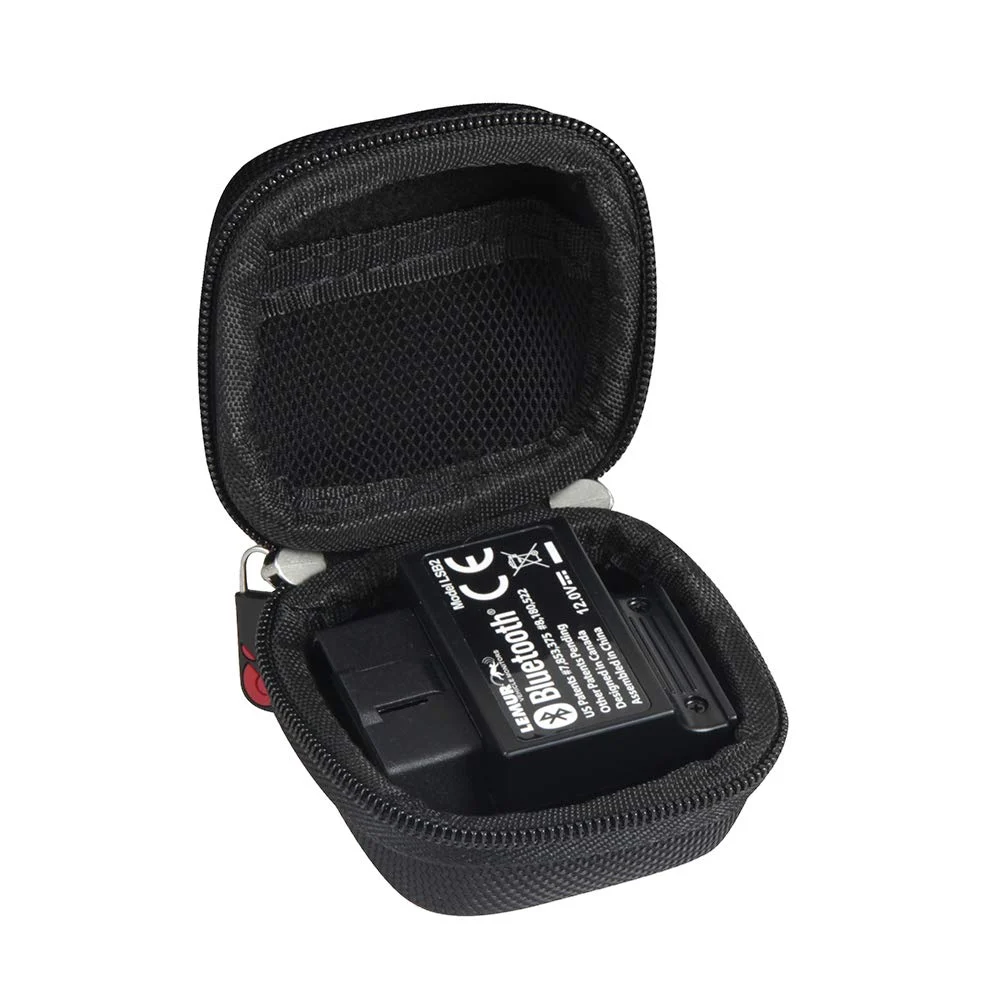
- Helps with: Protecting the BlueDriver adapter between uses in a glovebox or toolbox.
- Why it fits: The EVA hard case is made to fit the BlueDriver Bluetooth Pro OBDII scan tool, which keeps the small adapter from being knocked around.
- Keep in mind: Case only; the adapter and app are sold separately, and it adds nothing to diagnostic capability.
Helpful tool
Comecase Mini Carry Case
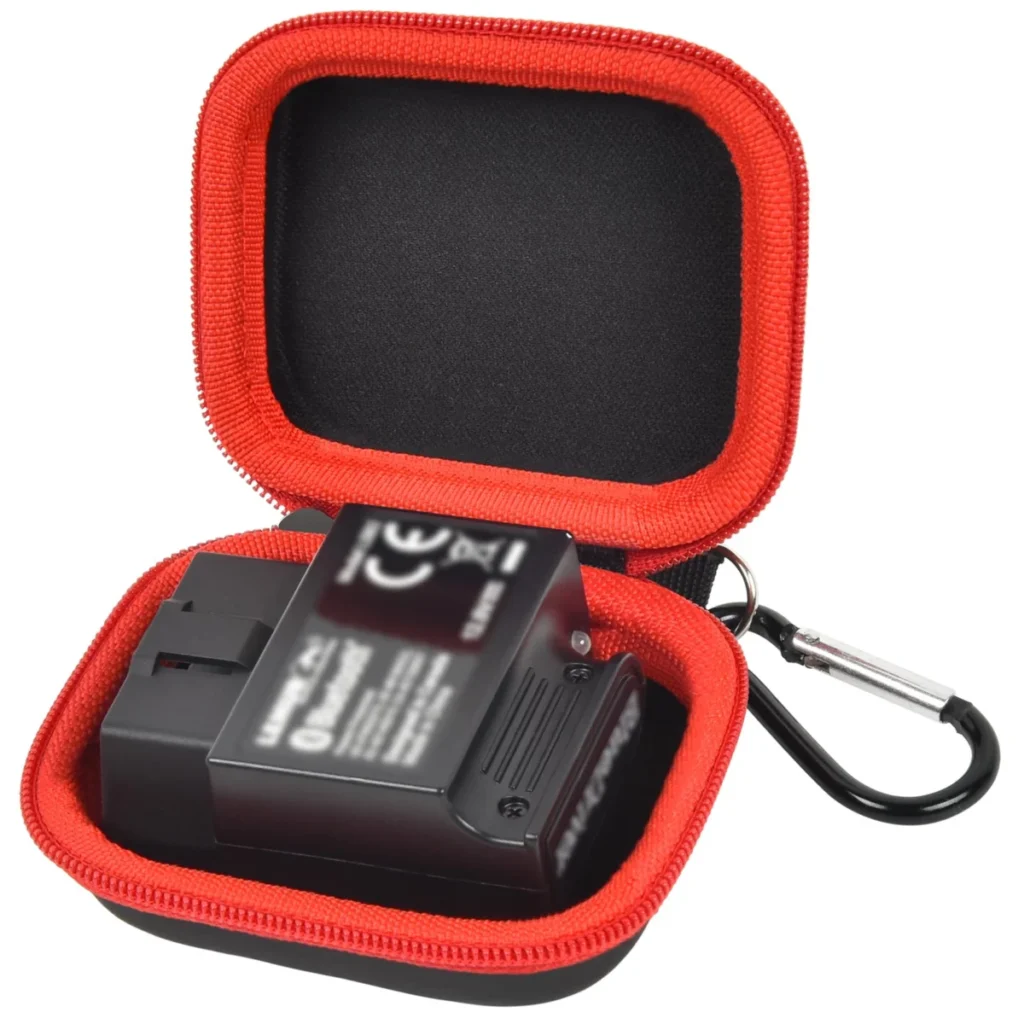
- Helps with: A compact pouch for carrying the adapter and keeping it clean.
- Why it fits: The mini case is sized for the BlueDriver Bluetooth Pro OBDII scan tool and similar Bluetooth scanners, with a carabiner for clipping to a bag.
- Keep in mind: Bag only; it does not include the adapter, and it offers no protection against electrical faults.
Common questions
Frequently asked questions
Is the BlueDriver app free to download?
Yes. The app is a free download for iOS and Android, and the published specifications state no subscription fees, with updates included. The cost is the BlueDriver adapter, which is a one-time purchase that unlocks the app's features.
Can the BlueDriver app clear the check engine light?
The app can read and clear trouble codes, including the check engine light, ABS, SRS, transmission and TPMS codes. Clearing turns the light off but does not fix the cause, and it resets readiness monitors, so the light can return and the car may not be ready for an emissions test.
Does the BlueDriver app work without the BlueDriver adapter?
No. The app has no way to reach the vehicle's modules on its own; it needs the BlueDriver Bluetooth adapter plugged into the OBD-II port. Other Bluetooth dongles are not supported by the BlueDriver app.
Can the BlueDriver app read transmission codes?
Yes, transmission diagnostics are among the enhanced systems the app covers, along with engine, ABS, SRS airbag and TPMS. Depth depends on the vehicle, since enhanced module access varies by make and model.
Will the BlueDriver app work on a pre-1996 car?
No. Coverage starts at 1996 gas vehicles sold in North America, which is when OBD-II became mandatory in the US. Older OBD1 cars need a make-specific adapter cable and a tool that supports that protocol.
Does the BlueDriver app work on Android and iPhone?
Yes, the app runs on both iOS and Android and connects to the adapter over Bluetooth. Pairing is done in the phone's Bluetooth settings and then inside the app, and the interface language is English.
Next step
If you want code reading, live data, freeze frame and readiness on your phone with ABS, airbag, transmission and TPMS coverage and no subscription, start with the BlueDriver Bluetooth OBD2 adapter, since the free app is useless without it. If your plans include parking brake retraction, ABS bleeding or other active tests, budget for a Bidirectional scan tool instead.
Keep reading
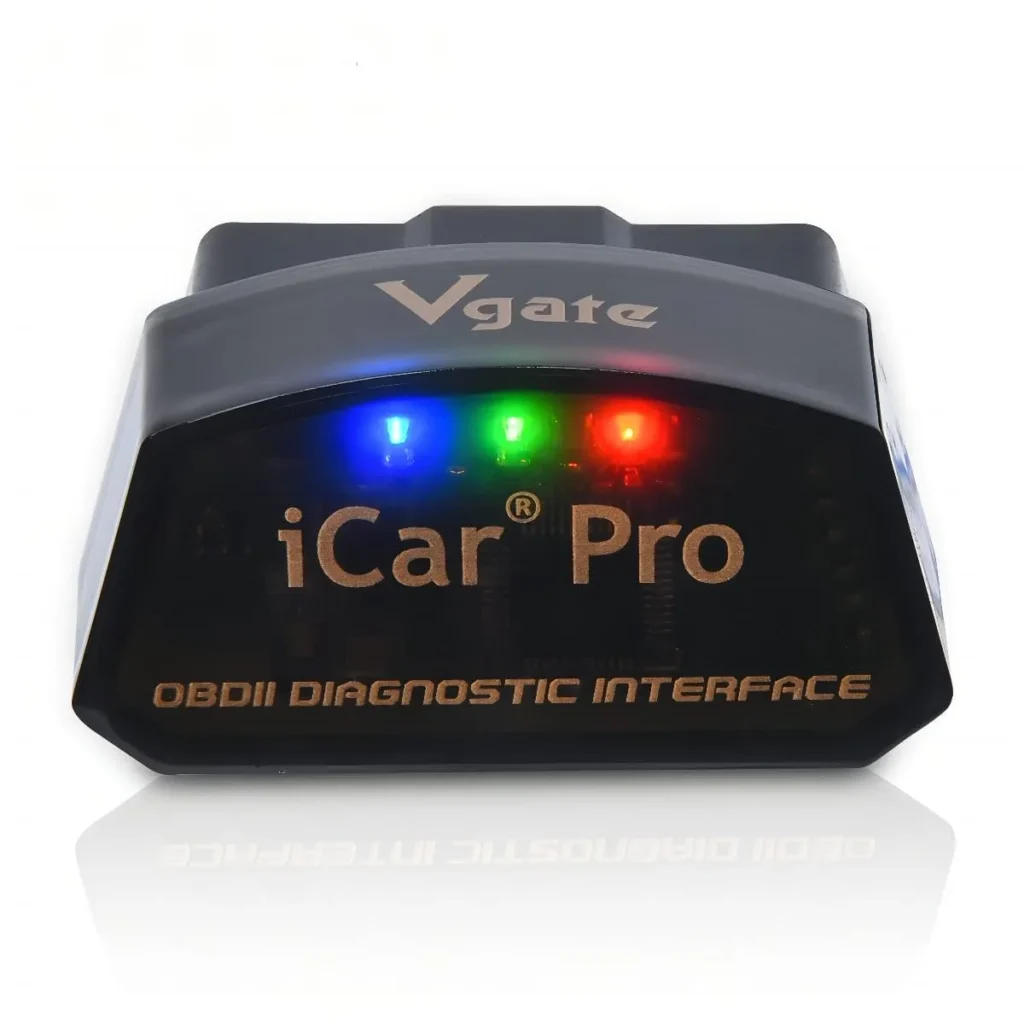
Vgate iCar Pro Review: What a Bluetooth OBD2 Adapter Can and Cannot Read
Is the Vgate iCar Pro worth it? Our review weighs device class, systems read and vehicle coverage by, its pros and cons,…
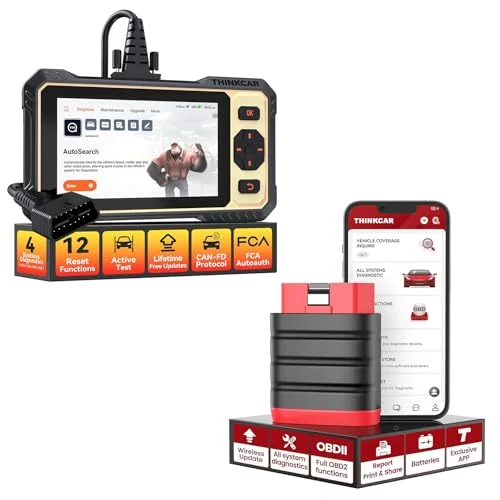
THINKCAR ThinkDiag Review: All-System Diagnostics and Active Tests on Your Phone
THINKCAR ThinkDiag review: dealer-style all-system codes and active tests on iOS or Android, with no built-in screen and no support for pre-1996…
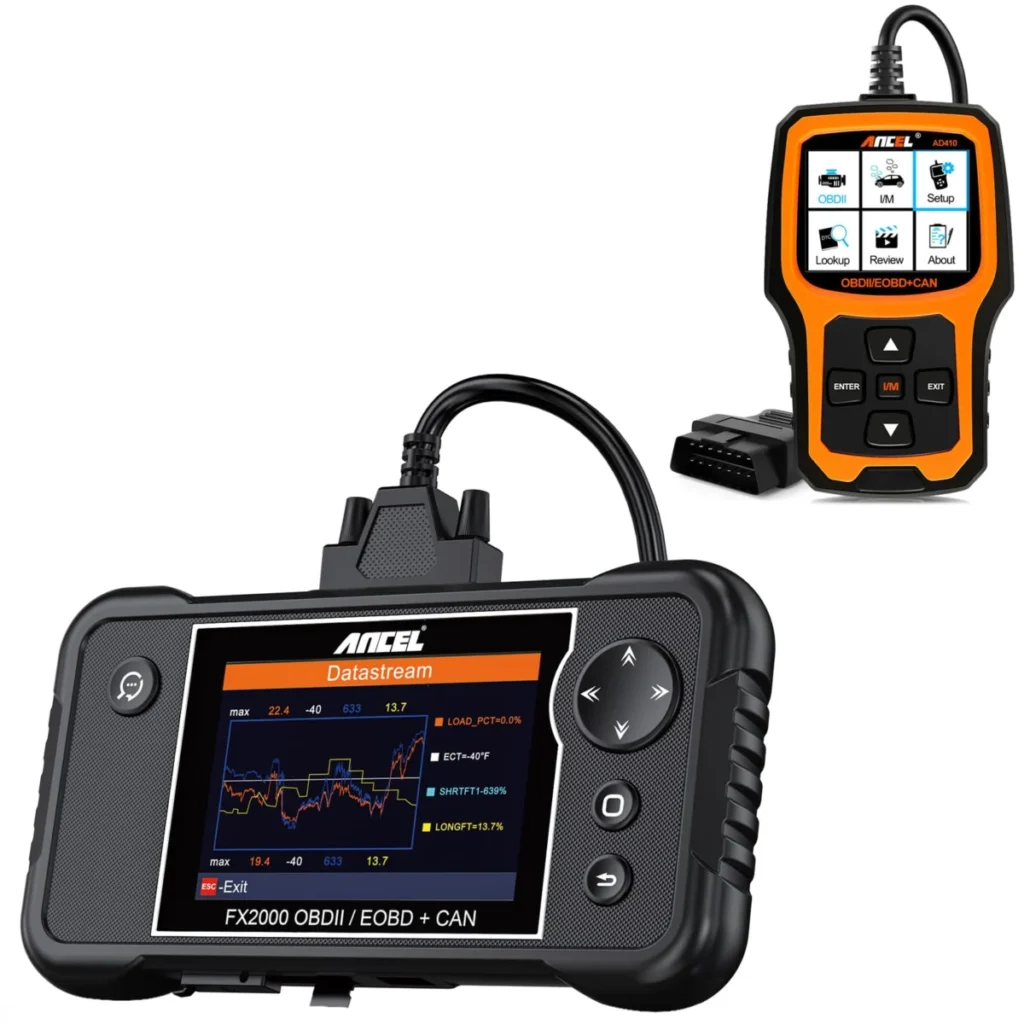
ANCEL FX2000 Review: Four-System Codes Without a Phone
Is the ANCEL FX2000 worth it? Our review weighs device class, systems read and bidirectional control, its pros and cons, and who…