Vgate iCar Pro Review: What a Bluetooth OBD2 Adapter Can and Cannot Read
Published October 29, 2026
As an Amazon Associate we earn from qualifying purchases. This never changes which products we recommend.
Verdict
Worth considering
The Vgate iCar Pro suits a DIY owner who wants a low-power Bluetooth adapter left in the OBD-II port for check engine codes, freeze frame and live data through a phone app. It is not a scan tool: it reads standard OBD2 engine and emissions data only, with no ABS, SRS, transmission or body module access and no bidirectional control.
- Best for: A DIY owner reading and clearing a P0420 or P0171 check engine code with a phone app, A used-car buyer checking stored codes and I/M readiness before purchase, A commuter leaving a low-draw adapter in the port for live data and trip monitoring
- Not for: A driver chasing an ABS or airbag warning light, which needs enhanced module support, Pre-1996 OBD1 cars, 24V diesel vehicles and MS-CAN applications
Key takeaways
- The Vgate iCar Pro is a Bluetooth LE adapter with no screen and no built-in software, so the phone app decides which codes, PIDs and graphs you see.
- It reads standard OBD2 engine and emissions data only; ABS, SRS airbag, TPMS and transmission modules are not supported.
- Auto-sleep draws as little as 3mA, so it can stay plugged into the OBD-II port between drives, though auto-wake may not work on electric or hybrid cars.
- It is not a substitute for a bidirectional scan tool: no active tests, no service resets and no module diagnostics.
Table of contents12 sections · tap to expand
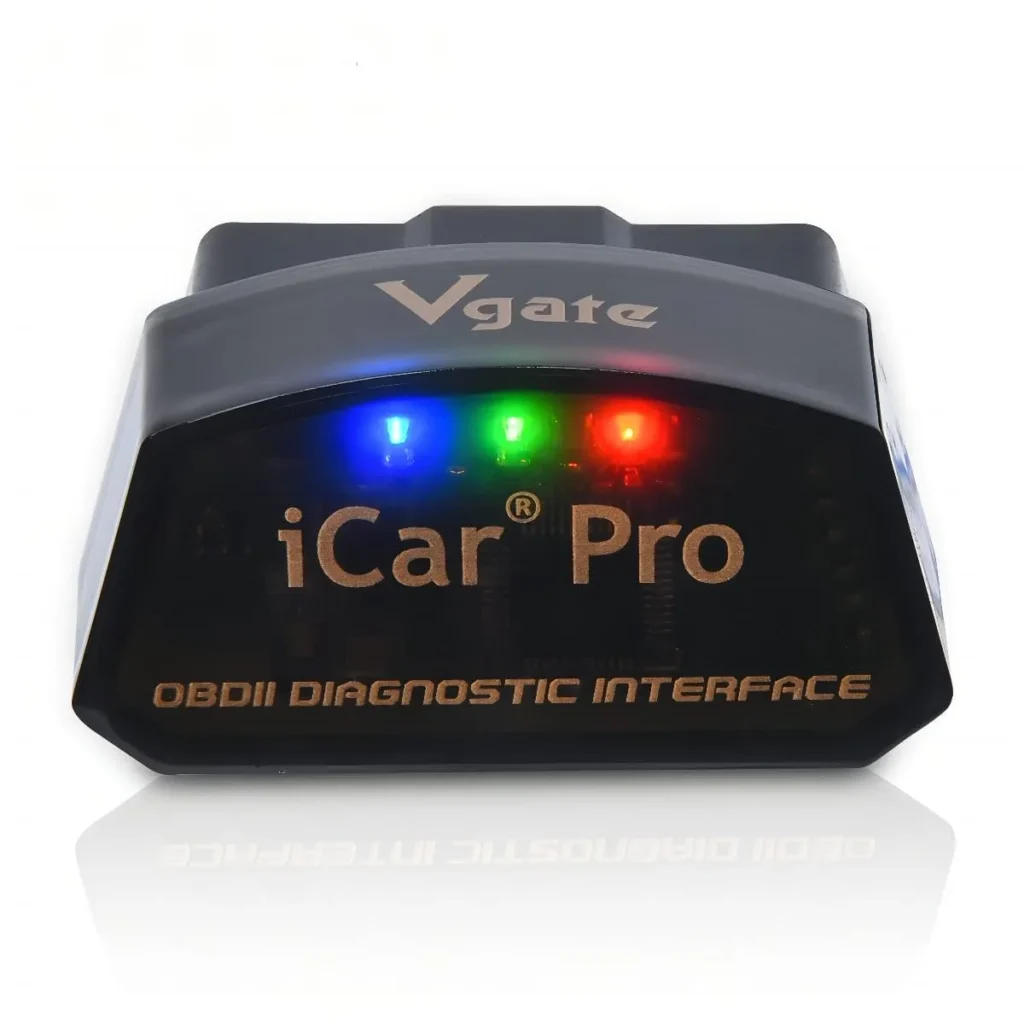
The Vgate iCar Pro is a Bluetooth 4.0 (BLE) OBD2 adapter that plugs into the 16-pin J1962 diagnostic link connector and hands the data to a phone app.
For a DIY owner with a check engine light, that is often enough. It reads and clears generic powertrain codes, shows freeze frame and live data, and draws little enough current to stay in the port. It is worth buying only if your job is engine and emissions diagnostics; for ABS, airbag or transmission faults, or any active test, you need a different class of tool.
Specifications
Key specifications
| Specification | Detail | Why it matters |
|---|---|---|
| Type | OBD2 adapter (needs a phone app) | There is no screen or built-in menu, so every reading depends on the app you pair it with. |
| Connection | Bluetooth LE + Wi-Fi | Bluetooth LE pairing keeps the phone's internet working, unlike a Wi-Fi adapter that takes over the connection. |
| Bidirectional | No (read-only) | It can read and clear codes but cannot command actuators, run tests or perform service resets. |
| Systems | Engine, ABS, SRS airbag, TPMS | The listing names these systems, yet the same listing states advanced ABS, SRS and TPMS functions are not supported, so treat engine data as the reliable ground. |
| Platform | iOS, Android, Windows | One adapter covers iPhone, Android phone and a Windows PC for firmware updates. |
| Vehicle years | 1996 onward | US OBD-II cars from 1996 are the target; pre-1996 OBD1 cars need a different adapter cable. |
| Power Source | Vehicle | It draws from the car's OBD-II port, with auto-sleep at as little as 3mA to protect the battery. |
What the Vgate iCar Pro reads on a car
The adapter exposes standard OBD2 data: stored, pending and permanent trouble codes, freeze frame, I/M readiness monitors and live data PIDs from the engine computer. A P0420 catalyst efficiency code or a P0171 lean-condition code appears in the app with a description, and you can clear stored codes from the phone. That is the full scope of its diagnostic reach.
Anything beyond the powertrain is outside its support. The listing states plainly that advanced features such as ABS, SRS and TPMS are not supported, so an ABS or airbag warning light will not produce a module code here. There are no active tests, no actuator commands and no service resets, which places the iCar Pro firmly in the adapter class rather than the bidirectional scan tool class.
What the app adds, and what it still cannot do
Because the adapter has no software, the app decides which PIDs, graphs and code descriptions you see. Two buyers with the same iCar Pro can see very different screens.
No app closes the module gap. Enhanced ABS, airbag and transmission data needs manufacturer-specific support that this adapter does not provide, and MS-CAN is not supported either. Choose the app for its live data and logging, not in the hope that it unlocks systems the hardware cannot reach.
Vehicle coverage and connection type
The iCar Pro targets 12V gasoline vehicles from 1996 with standard OBD2, plus light-duty diesel up to 6.5 tons from 1996. It is not suitable for 24V diesel vehicles, and pre-1996 OBD1 cars need a dedicated adapter cable instead. The published protocol is CAN, so a buyer with an early 2000s car on J1850 PWM, J1850 VPW or ISO 9141-2 should confirm support before ordering.
Connection is Bluetooth LE, which is the practical choice for iPhone owners: pairing happens inside the app, and the phone keeps its internet access, unlike a Wi-Fi adapter that takes over the network. Android users pair with "Android-Vlink" using PIN 1234. Auto-sleep draws as little as 3mA, though auto-wake may not work on electric or hybrid vehicles, where reinsertion may be needed.
Bluetooth adapter or handheld scan tool: which one fits your car?
Buy the adapter if your question is "what code set the check engine light, and are the readiness monitors set?" It is small enough to leave in the port, works on iOS and Android, and costs less than a handheld tool with a screen. For a used-car check or a pre-smog readiness look, that covers the task.
Buy a handheld code reader or a bidirectional scan tool if you need a screen without a phone, module access for ABS or airbag faults, or active tests and service resets. A cleared code does not fix anything and resets the readiness monitors, so the fault can return and the car may still fail an emissions test. When brake, airbag, steering or oil-pressure warnings appear, have the car checked by a qualified mechanic rather than relying on an engine-only adapter.
Build, setup and everyday durability
The housing measures 1.85"L x 0.94"W x 1.06"H, small enough to sit flush in the diagnostic link connector without crowding the footwell. LED indicators report state: red on when powered, a brief green and blue flash at plug-in, blue flashing during pairing, and red plus flashing blue and green while reading data. That makes a failed connection easier to diagnose.
Firmware updates run through the VgateFwUpdater app or a Windows PC, which helps long-term compatibility. The main durability question is the port itself: a loose fit or dirty pins cause intermittent connections, and the adapter should be seated firmly before you blame the app.
Is the Vgate iCar Pro worth it against other adapters?
For engine-only diagnostics on a 1996-or-newer car, the iCar Pro is a sensible buy: Bluetooth LE, low sleep draw, broad app support and firmware updates. Its limit is scope, not quality. If your cars are Fords or GMs and you want proprietary network access, the Vgate vLinker MC+ adds SW-CAN and MS-CAN support and still works with iOS, Android and Windows.
If you want a simpler dual-mode Bluetooth adapter with the same generic OBD-II scope, the Veepeak OBDCheck BLE+ is an alternative. Neither the iCar Pro nor the Veepeak OBDCheck BLE+ can run active tests or service resets.
Strengths and weaknesses
Pros and cons
Pros
- Bluetooth LE connection keeps the phone's internet working and pairs from inside the app on iOS
- Auto-sleep at as little as 3mA lets it stay in the OBD-II port between drives
- Compact 1.85" x 0.94" x 1.06" housing and LED status lights make setup and troubleshooting straightforward
Cons
- No ABS, SRS, TPMS or transmission module access, so those warning lights need a different tool
- No bidirectional control, active tests or service resets
- MS-CAN not supported, and the published protocol is CAN, so older J1850 and ISO 9141-2 cars need checking
- Some app features require in-app purchases, and auto-wake may not work on electric or hybrid vehicles
Other options
Alternatives to consider
Vgate vLinker MC+
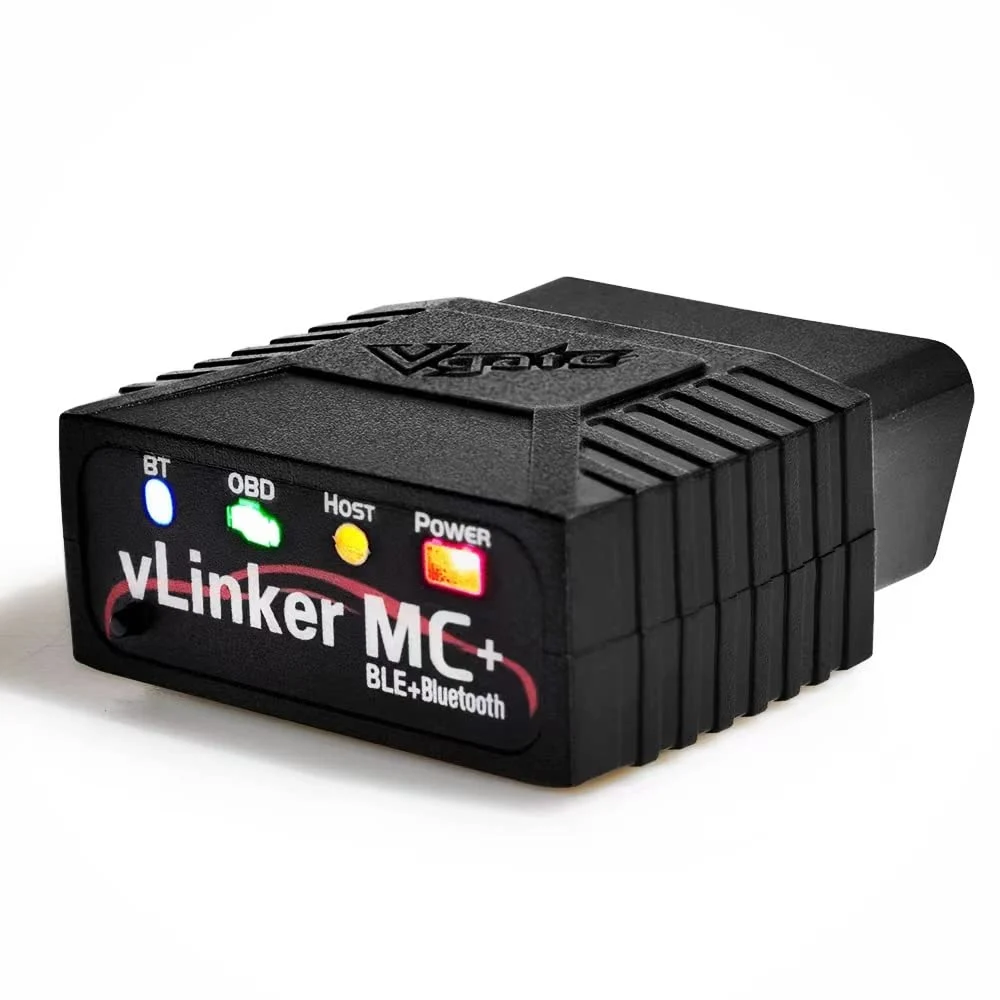
Choose it if you need SW-CAN and MS-CAN access for Ford or GM proprietary networks and still want iOS, Android and Windows support.
Veepeak OBDCheck BLE+
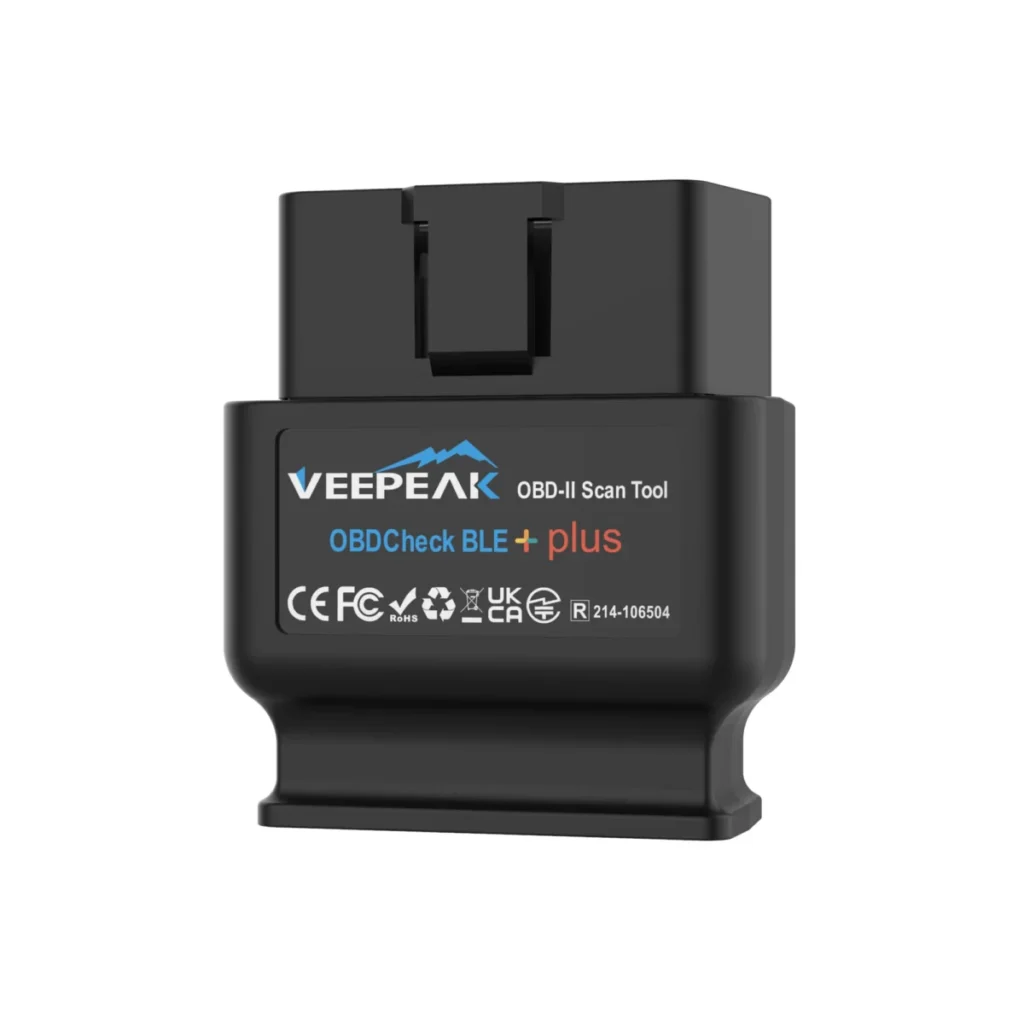
Choose it if you want a dual-mode Bluetooth adapter for the same generic OBD-II engine and emissions tasks.
Common questions
Frequently asked questions
Does the Vgate iCar Pro work with iPhone?
Yes. It supports iOS, and pairing happens directly inside the OBD2 app with no manual Bluetooth pairing step.
Can the Vgate iCar Pro read ABS and airbag codes?
No. The listing states that advanced features such as ABS, SRS and TPMS are not supported, so those modules are out of reach. An ABS or airbag warning light needs a tool with enhanced, manufacturer-specific module support, and brake or airbag faults should go to a qualified mechanic.
Will the Vgate iCar Pro clear my check engine light?
It can clear stored engine codes through a compatible app, but clearing is not a repair. The underlying fault can return, and clearing codes resets the I/M readiness monitors, so a cleared light does not by itself mean the car will pass an emissions test.
Does the Vgate iCar Pro work on cars older than 1996?
No. It is designed for 12V vehicles from 1996 with standard OBD2 support, plus light-duty diesel up to 6.5 tons from 1996. Pre-1996 cars are usually OBD1 and need a dedicated adapter cable for the specific connector.
Why won't my Vgate iCar Pro connect to my phone?
Start with the basics: the ignition must be on, the adapter must be firmly seated in the OBD-II port, and the app must be set to the correct connection type. Android users pair with "Android-Vlink" using PIN 1234, while iOS connects from inside the app. A blown OBD port fuse or dirty pins are the next things to check.
Is the Vgate iCar Pro better than a handheld code reader?
It is better only for buyers who prefer a phone screen and want a low-draw adapter left in the port. A handheld code reader works without a phone and often shows codes on its own screen, while a bidirectional scan tool adds module access and active tests that the iCar Pro cannot match.
Bottom line
Should you buy the Vgate iCar Pro?
Its low sleep draw and firmware updates make it a reasonable long-term fixture in the OBD-II port.
For Ford or GM proprietary networks, the Vgate vLinker MC+ is the closer fit, and the Veepeak OBDCheck BLE+ covers the same generic OBD-II ground for a different buyer.
Keep reading

BlueDriver App: Free Download, Paid Adapter, and What It Can Actually Read
Learn what the BlueDriver app costs, whether it reads ABS and airbag codes, how to pair it on iPhone or Android, and…
THINKCAR ThinkDiag Review: All-System Diagnostics and Active Tests on Your Phone
THINKCAR ThinkDiag review: dealer-style all-system codes and active tests on iOS or Android, with no built-in screen and no support for pre-1996…
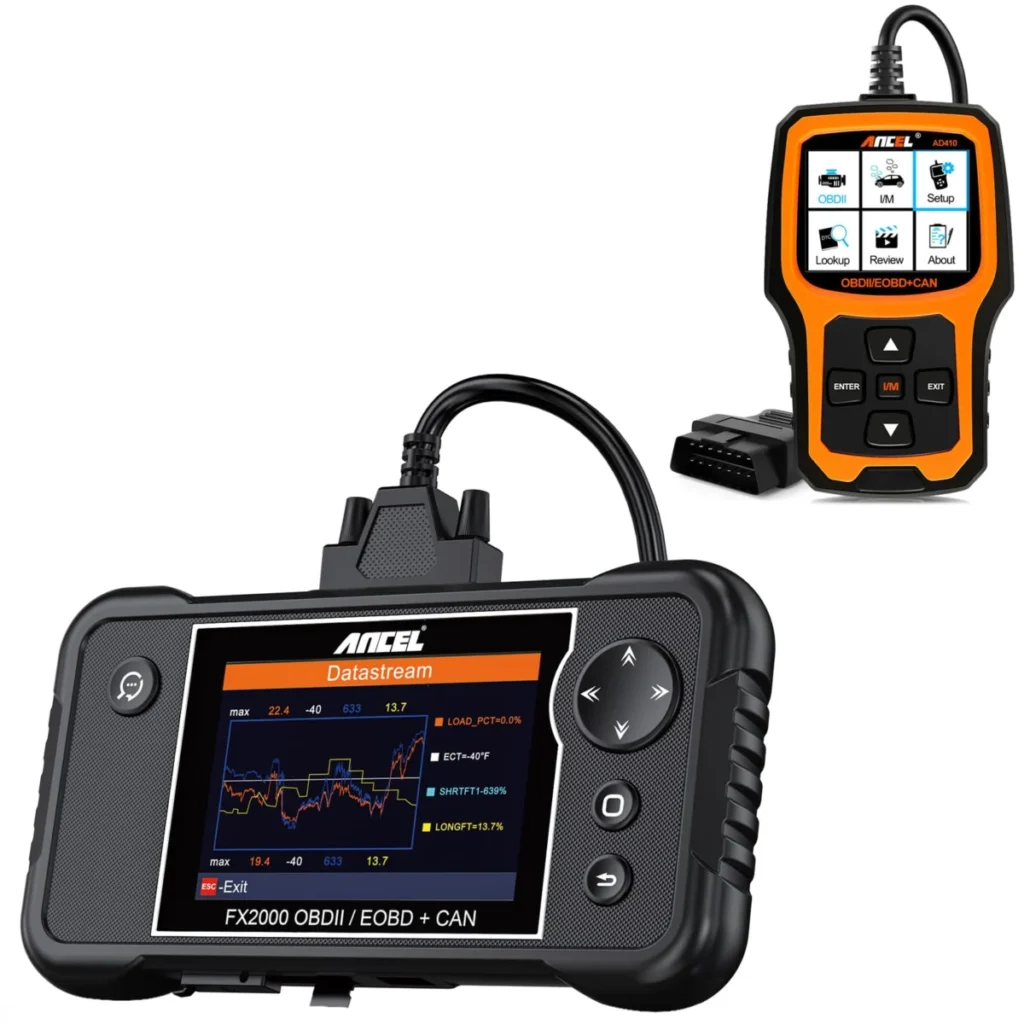
ANCEL FX2000 Review: Four-System Codes Without a Phone
Is the ANCEL FX2000 worth it? Our review weighs device class, systems read and bidirectional control, its pros and cons, and who…