Best Bluetooth OBD2 Dongle: Match the Adapter to Your Phone and App
Published October 29, 2026
As an Amazon Associate we earn from qualifying purchases. This never changes which products we recommend.
The Veepeak OBDCheck BLE+ is the best Bluetooth OBD2 Dongle for most people because it covers both Bluetooth LE and classic Bluetooth and works with iOS and Android. It reads engine data plus ABS, SRS, transmission, body and TPMS on vehicles where the paired app supports those modules.
The real split between these adapters is not the plug but the software behind it. A dongle inherits its capability from the app, so the choice comes down to which phone platform you use, which app you intend to run, and whether you need enhanced modules or just live data and codes.
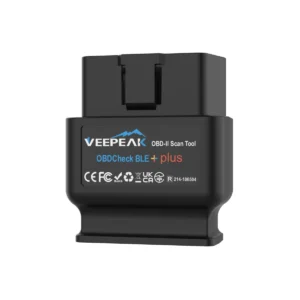 Best OverallVeepeak OBDCheck BLE+Most phones and mixed iOS/Android households7.6/10
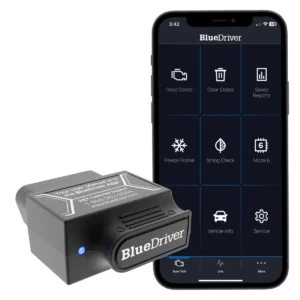 Best All-in-One AppBlueDriver OBD2 ScannerOwners who want enhanced modules without choosing an app7.6/10
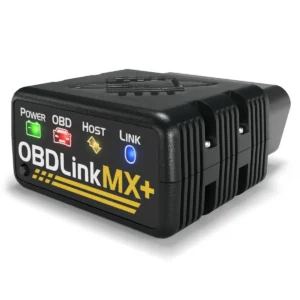 Best for Ford and Mazda OwnersOBDLink MX+Ford, Mazda and other enhanced-OEM work7.5/10
 Best for Android Power UsersOBDLink LXAndroid phones and Windows laptops running Torque7.4/10
Table of contents9 sections · tap to expand
At a glance
Our top picks compared
| Product | Best for | Type and size | Key features | Where to buy |
|---|---|---|---|---|
| 1. Veepeak OBDCheck BLE+ Best Overall 7.6/10 | Most phones and mixed iOS/Android households | OBD2 adapter, Bluetooth LE + Wi-Fi, Engine, ABS, SRS airbag, Transmission, Body, TPMS | ABS/SRSService resetsWorks with iPhone | Budget Check price |
| 2. BlueDriver OBD2 Scanner Best All-in-One App 7.6/10 | Owners who want enhanced modules without choosing an app | OBD2 adapter, Bluetooth, Engine, ABS, SRS airbag, Transmission, TPMS | ABS/SRSWorks with iPhone | Premium Check price |
| 3. OBDLink MX+ Best for Ford and Mazda Owners 7.5/10 | Ford, Mazda and other enhanced-OEM work | OBD2 adapter, Bluetooth | Works with iPhone | Premium Check price |
| 4. OBDLink LX Best for Android Power Users 7.4/10 | Android phones and Windows laptops running Torque | OBD2 adapter, Bluetooth | Mid-range Check price | |
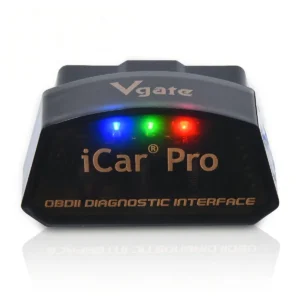 5. Vgate iCar Pro 5. Vgate iCar ProBest Budget First Dongle 7.4/10 | A first cheap adapter for codes and live data | OBD2 adapter, Bluetooth LE + Wi-Fi, Engine, ABS, SRS airbag, TPMS | ABS/SRSWorks with iPhone | Budget Check price |
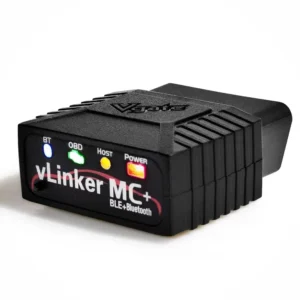 6. Vgate vLinker MC+ 6. Vgate vLinker MC+Best for Laptop Datalogging 7.0/10 | Windows datalogging and Ford/GM protocol work | OBD2 adapter, Bluetooth LE | Works with iPhone | Mid-range Check price |
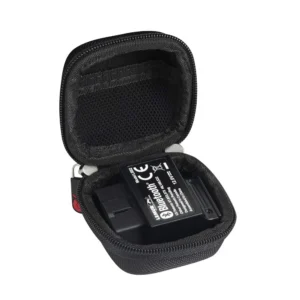 7. Hermitshell Hard Travel Case 7. Hermitshell Hard Travel CaseBest Accessory 6.7/10 | Protecting a BlueDriver between uses | OBD2 adapter, Bluetooth | Budget Check price |
Score: our 0-10 rating from fit for this use, buyer ratings, review volume, completeness of the product details and availability. It is not a lab test.
Buying advice
How to choose a Bluetooth OBD2 adapter that will actually stay connected
Match the radio to your phone, not to the price
Connection type decides whether the adapter works at all on your device. Bluetooth LE covers iOS and Android and keeps the phone online, classic Bluetooth is an Android path that needs manual pairing, and Wi-Fi suits iOS and laptops but cuts the phone's internet while connected. Pick the radio your phone and app support first, then compare everything else.
Check the app before you check the chip
A dongle is a bridge between the OBD-II port and an app, so the app sets the ceiling. Confirm your intended app lists the adapter as compatible, because enhanced modules, logging and service functions come from the software, not the plug. A dongle with strong protocol coverage still behaves like a basic code reader under an app that only requests generic powertrain data.
This is where the BlueDriver differs from every other pick here: its app is the only one it runs, so there is nothing to cross-check, but you also cannot switch to a different app later. The Veepeak OBDCheck BLE+ takes the opposite approach and leaves the software choice to you.
Decide whether you need enhanced modules or just engine data
Every OBD2 adapter reads generic powertrain codes, freeze frame and I/M readiness monitors. ABS, SRS airbag, transmission, body and TPMS data need enhanced manufacturer support, which varies by make and by app. If a dash light for ABS or airbag is your reason for buying, choose an adapter whose app covers those modules on your car rather than the cheapest plug.
Plan for sleep behavior if the adapter lives in the car
An adapter left in the OBD-II port draws current continuously unless it sleeps. Some listings state a sleep current, others say nothing, and a car that sits for weeks is where a parasitic draw shows up. If you plan to leave the dongle plugged in, favor a model with stated auto-sleep and unplug it for long parking periods.
Our picks
Ranked Bluetooth OBD2 adapters for phones, tablets and laptops
Best Overall
Veepeak OBDCheck BLE+
- OBD2 adapter (needs a phone app)
- Bluetooth LE + Wi-Fi
- No
- Engine, ABS, SRS airbag
- Oil reset, EPB, Injector
- iOS, Android
Best for: Most phones and mixed iOS/Android households
Skip if: You want ABS and airbag codes without paying for extra in-app features.
Price range: Budget
Check price on AmazonPaid link. We may earn a commission.
What matters in daily use
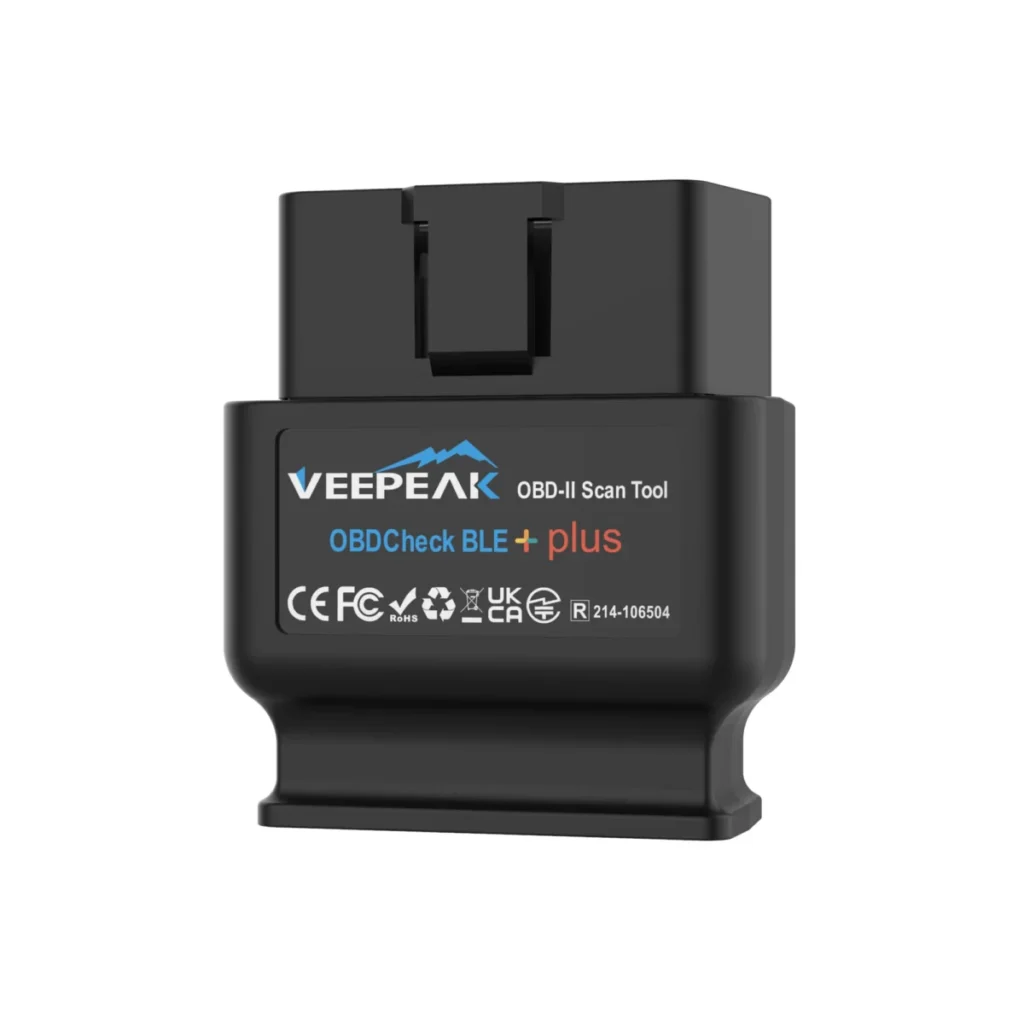
The OBDCheck BLE+ is an OBD2 adapter with no screen: it plugs into the 16-pin diagnostic link connector and hands data to a phone app. Dual-mode Bluetooth means iPhone owners connect through the app rather than the phone's Bluetooth settings, while Android users can use classic Bluetooth with certain apps. For a household mixing iPhones and Android phones, one dongle serves both.
The tradeoff is that the adapter supplies the connection, not the diagnostics. Generic engine codes, freeze frame and I/M readiness come through any compatible app, but ABS, SRS, TPMS and body modules depend on whether the app supports that vehicle, and those app features are usually paid. Special functions such as injector coding, EPB reset and ABS bleed are not supported. The BlueDriver OBD2 Scanner bundles enhanced modules into its own app instead.
Specifications
| Type | OBD2 adapter (needs a phone app) |
|---|---|
| Connection | Bluetooth LE + Wi-Fi |
| Bidirectional | No (read-only) |
| Systems | Engine, ABS, SRS airbag, Transmission, Body, TPMS |
| Service resets | Oil reset, EPB, Injector coding, ABS bleed |
| Functions | Freeze frame, I/M readiness |
| Subscription | Mentioned in the listing |
| Platform | iOS, Android |
| App | BimmerCode |
| Protocols | CAN |
Pros
- Connects to both iOS and Android from one dongle
- Supported by several well-known third-party OBD2 apps
- Compact body stays out of the way in the footwell
- One-year manufacturer warranty included
Cons
- No app included; advanced features cost extra
- No service resets or bidirectional tests
- Not compatible with Carly, MHD or xHP
Best All-in-One App
BlueDriver OBD2 Scanner
- OBD2 adapter (needs a phone app)
- Bluetooth
- No
- Engine, ABS, SRS airbag
- Updates included
- iOS, Android

Best for: Owners who want enhanced modules without choosing an app
Skip if: You need active tests, service resets or a Windows laptop workflow, since BlueDriver is read-only and runs through its own phone app.
Price range: Premium
Check price on AmazonPaid link. We may earn a commission.
Best All-in-One App: BlueDriver pairs its own app with enhanced diagnostics for engine, ABS, SRS, airbag, TPMS and transmission, and states no subscription fees.
What matters in daily use
BlueDriver removes the hardest part of buying a Bluetooth dongle: picking software. The adapter and the BlueDriver app come as one package, and the listing states one purchase covers all features with no subscriptions or add-ons. Enhanced coverage reaches check engine, ABS, SRS airbag, TPMS and transmission modules, so an ABS light can be read without a shop visit just to learn the cause.
Coverage is stated for gas vehicles from 1996 sold in North America, with strong support for GM, Ford, Stellantis, Toyota, Honda, Nissan, Mazda, Subaru, Hyundai, Mercedes-Benz, BMW and VW. The limit is control: it reads and clears codes but is not bidirectional, so it cannot run actuator tests or service resets.
Specifications
| Type | OBD2 adapter (needs a phone app) |
|---|---|
| Connection | Bluetooth |
| Bidirectional | No (read-only) |
| Systems | Engine, ABS, SRS airbag, Transmission, TPMS |
| Functions | Read/clear codes, Freeze frame, I/M readiness, Mode 6, VIN |
| Updates | Updates included (period not stated) |
| Subscription | None stated |
| Platform | iOS, Android |
| App | BlueDriver |
| Protocols | CAN |
Pros
- Enhanced ABS, SRS and TPMS codes in one app
- No subscription or add-on purchases stated
- VIN-matched repair reports and Mode 6 results
- Works across most major makes sold in North America
Cons
- Read-only: no active tests or service resets
- No diesel coverage stated in the vehicle years line
- Locked to the BlueDriver app rather than your choice
Best for Ford and Mazda Owners
OBDLink MX+
- OBD2 adapter (needs a phone app)
- Bluetooth
- No
- iOS, Android, Windows
Best for: Ford, Mazda and other enhanced-OEM work
Skip if: You only need generic engine codes and live data on a phone.
Price range: Premium
Check price on AmazonPaid link. We may earn a commission.
What matters in daily use
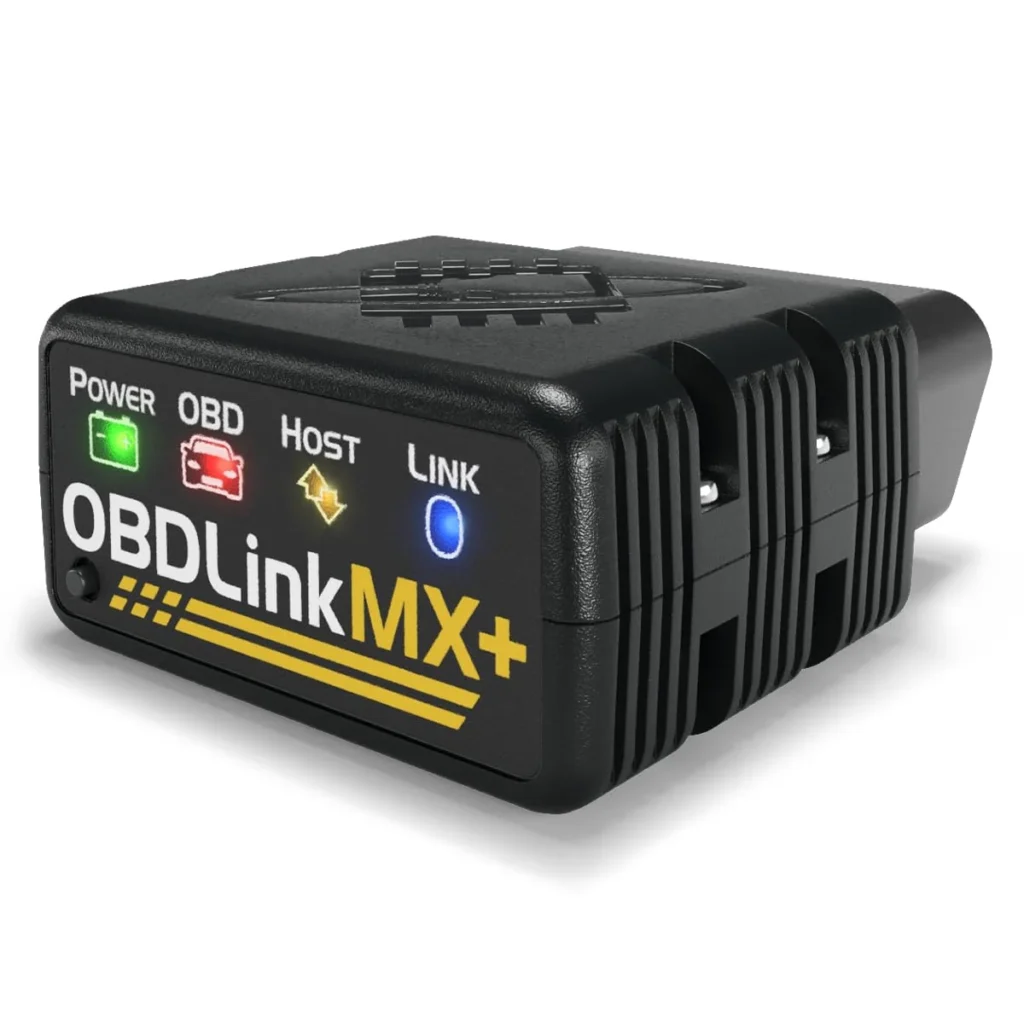
The MX+ is a Bluetooth OBD2 adapter for iOS, Android and Windows, and its value sits in software compatibility rather than hardware features. Enhanced OEM support is stated for Ford, GM, Mazda, Nissan, Toyota, Honda, Hyundai and Kia.
The MX+ is still read-only: no bidirectional control, no service resets, and no app of its own beyond what you choose. Buyers who only need check engine codes and live data will not use the extra coverage.
Specifications
| Type | OBD2 adapter (needs a phone app) |
|---|---|
| Connection | Bluetooth |
| Bidirectional | No (read-only) |
| Platform | iOS, Android, Windows |
| App | OBDLink |
| Makes covered | Toyota, Honda, Ford, GM, Nissan, Mazda, Hyundai, Kia |
Pros
- Enhanced OEM data across eight major makes
- Works with iPhone, Android and Windows PCs
- One dongle covers several brand-specific apps
Cons
- Read-only: no active tests or coding writes
- No service resets or bidirectional functions
- Costs more than a basic ELM327-style adapter
Best for Android Power Users
OBDLink LX
- OBD2 adapter (needs a phone app)
- Bluetooth
- No
- Android, Windows
Best for: Android phones and Windows laptops running Torque
Skip if: You use an iPhone, or you need enhanced Ford or Mazda modules that the OBDLink MX+ covers.
Price range: Mid-range
Check price on AmazonPaid link. We may earn a commission.
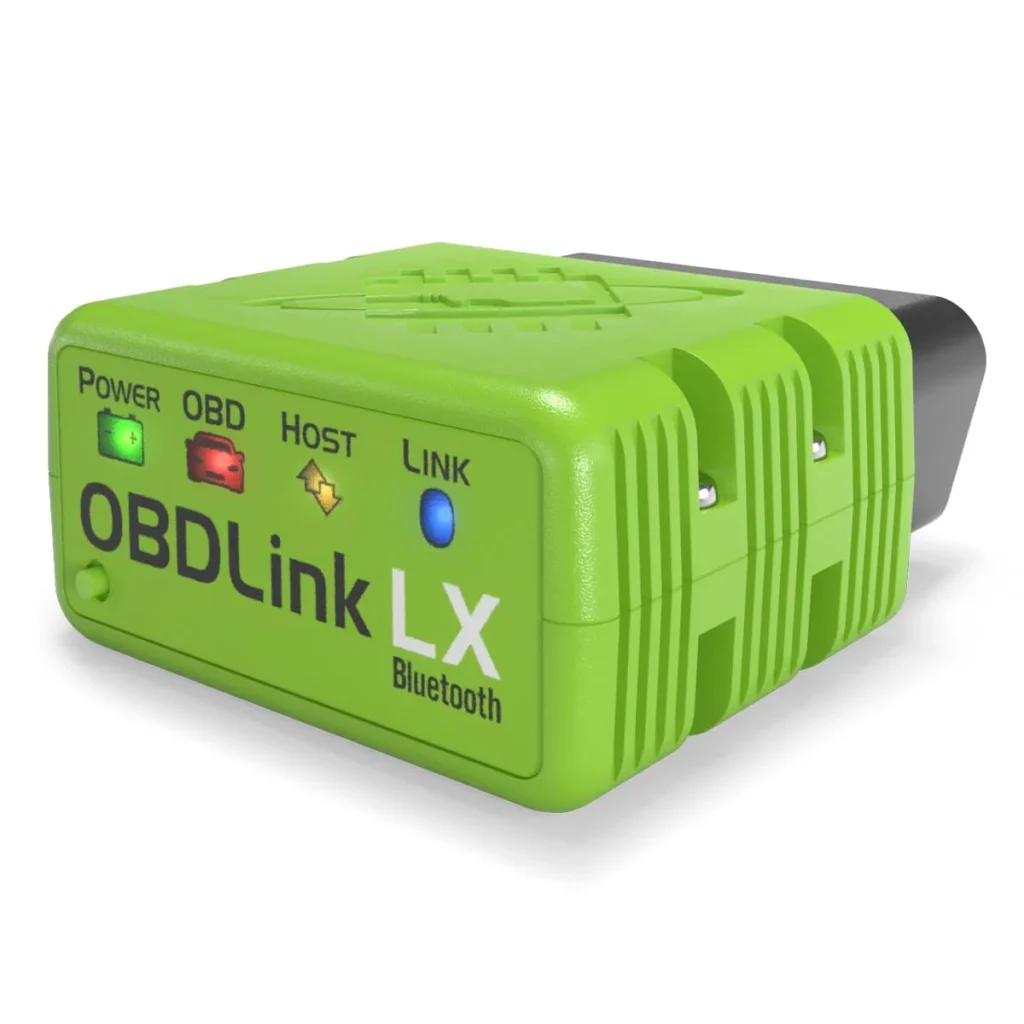
The OBDLink LX earns Best for Android Power Users because it pairs Android phones and Windows laptops with Torque and DashCommand, and its own OBDwiz software, at a price below the OBDLink MX+.
What matters in daily use
The OBDLink LX is an OBD2 adapter, so it has no screen and does nothing until it is paired with an app. Its platform list is Android and Windows only, and the manufacturer states plainly that it is not compatible with Apple iOS devices. For an Android owner running Torque, that restriction costs nothing; for a household with an iPhone, it rules the adapter out entirely.
Coverage is stated as all 1996+ cars and light trucks sold in the United States, with hybrid and electric vehicles excluded. The listing also notes MotoScan-compatible motorcycles, which sits outside a car guide. Compared with the Vgate iCar Pro, the OBDLink LX costs more but adds Windows software and lifetime firmware updates; compared with the OBDLink MX+, it gives up iOS support and enhanced OEM depth for Ford, GM, Mazda and others.
Specifications
| Type | OBD2 adapter (needs a phone app) |
|---|---|
| Connection | Bluetooth |
| Bidirectional | No (read-only) |
| Platform | Android, Windows |
| App | OBDLink |
| Vehicle years | 1996+ |
| Fuel | hybrid |
Pros
- Runs Torque and DashCommand on Android and Windows
- OBDwiz Windows software included with the adapter
- Stated coverage spans all 1996+ US cars and light trucks
- Lifetime firmware updates and a three-year guarantee stated
Cons
- No iOS support at all, which excludes iPhone owners
- Not compatible with hybrid or electric vehicles
- Engine and emissions data only, so an ABS or airbag warning light needs a different tool
Best Budget First Dongle
Vgate iCar Pro
- OBD2 adapter (needs a phone app)
- Bluetooth LE + Wi-Fi
- No
- Engine, ABS, SRS airbag
- iOS, Android, Windows
Best for: A first cheap adapter for codes and live data
Skip if: You need ABS or airbag codes, MS-CAN access, or a tool that works without in-app purchases.
Price range: Budget
Check price on AmazonPaid link. We may earn a commission.
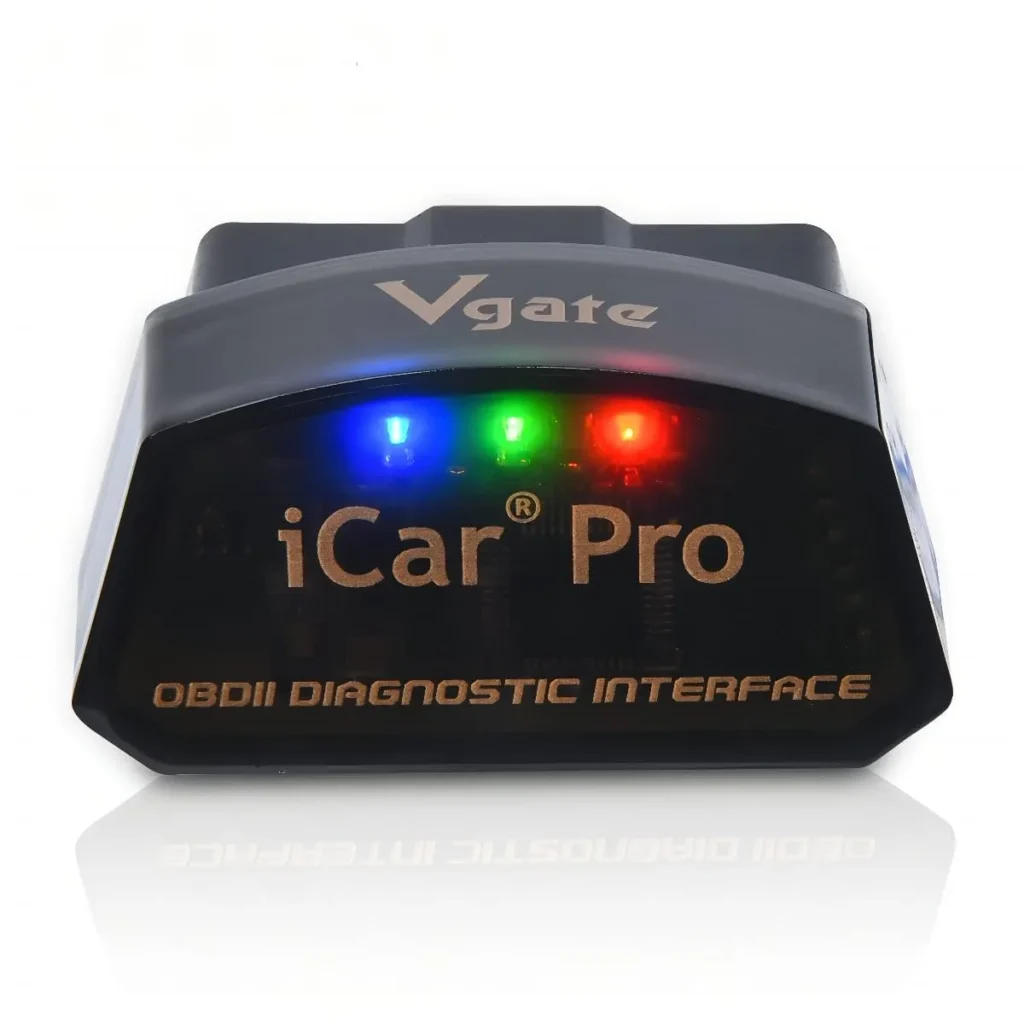
The Vgate iCar Pro takes Best Budget First Dongle because it covers standard OBD2 codes and live data on iOS, Android and Windows for the least commitment, with no enhanced modules and no service functions.
What matters in daily use
Prius. It connects over Bluetooth LE, so it does not take over the phone's internet connection the way a Wi-Fi adapter can. For a first dongle used to read a check engine light and watch live data, that is the whole job.
The limits are explicit: standard OBD2 functions only, with ABS, SRS and TPMS not supported by the device, and MS-CAN not supported. The listing also warns that some extended functions need in-app purchases, so the app, not the dongle, sets the final cost.
Specifications
| Type | OBD2 adapter (needs a phone app) |
|---|---|
| Connection | Bluetooth LE + Wi-Fi |
| Bidirectional | No (read-only) |
| Systems | Engine, ABS, SRS airbag, TPMS |
| Subscription | Mentioned in the listing |
| Platform | iOS, Android, Windows |
| App | Torque |
| Protocols | CAN |
| Vehicle years | 1996 onward |
| Fuel | gasoline, diesel, hybrid |
Pros
- Works across iOS, Android and Windows from one dongle
- Bluetooth LE keeps the phone's internet connection free
- Auto-sleep and auto-wake limit battery drain when left plugged in
- Firmware can be updated later for compatibility fixes
Cons
- No ABS, SRS or TPMS support from the device
- MS-CAN not supported, limiting some Ford and GM modules
- Some extended functions require paid in-app purchases
Best for Laptop Datalogging
Vgate vLinker MC+
- OBD2 adapter (needs a phone app)
- Bluetooth LE
- No
- iOS, Android, Windows
Best for: Windows datalogging and Ford/GM protocol work
Skip if: You want a polished app ecosystem with enhanced OEM coverage across many makes, where the OBDLink MX+ fits better.
Price range: Mid-range
Check price on AmazonPaid link. We may earn a commission.
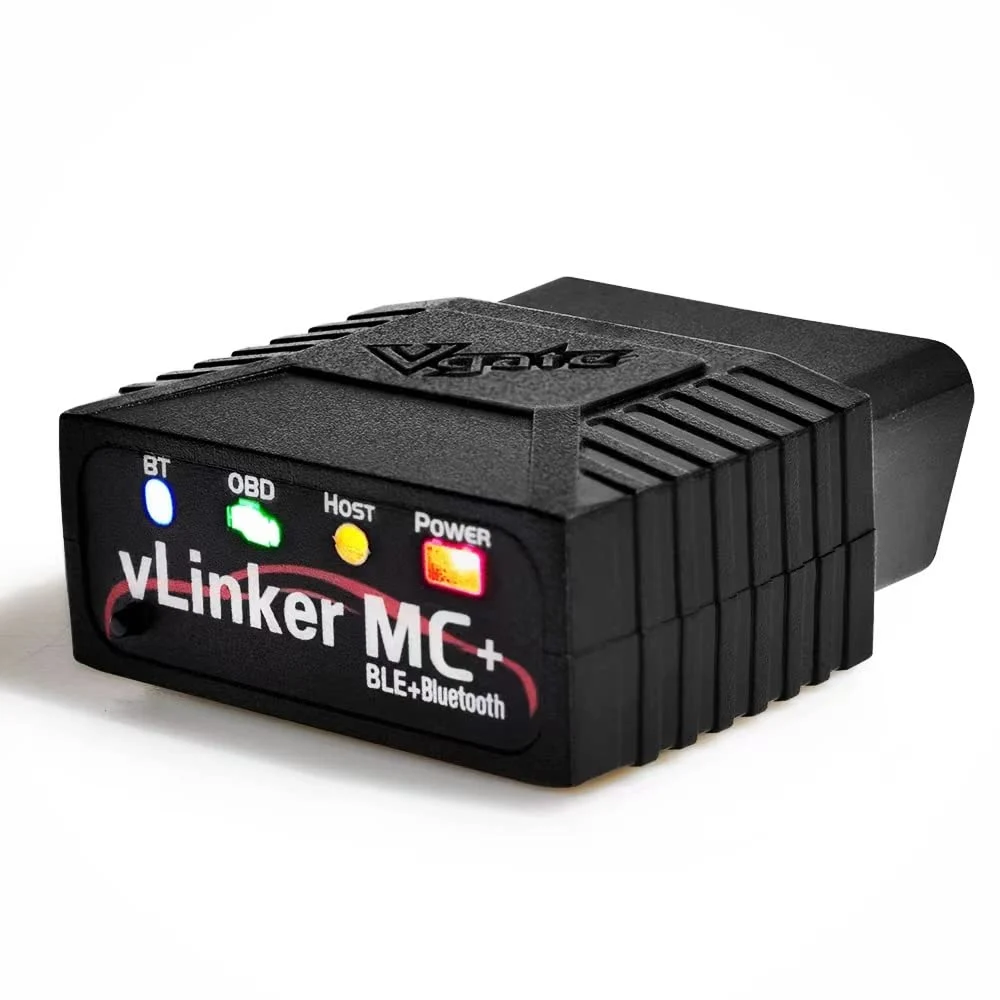
The Vgate vLinker MC+ earns Best for Laptop Datalogging because it adds SW-CAN and MS-CAN protocol support and works with iOS, Android and Windows, which suits high-throughput coding and Ford or GM network work.
What matters in daily use
The vLinker MC+ is an OBD2 adapter aimed at apps that move a lot of data. The listing states support for SW-CAN and MS-CAN alongside all five standard OBD2 protocols, plus compatibility with the ELM327, ELM329 and STN command sets. In practice that means Ford and GM proprietary networks and coding apps that stall on a basic adapter have a better chance of working.
The tradeoff is that this is still a read-only adapter: no active tests and no service resets, and the app supplies any enhanced data. Power draw is stated at 24 mA operating and 3 mA idle, so leaving it plugged in is not a battery concern.
Specifications
| Type | OBD2 adapter (needs a phone app) |
|---|---|
| Connection | Bluetooth LE |
| Bidirectional | No (read-only) |
| Platform | iOS, Android, Windows |
| App | Car Scanner |
| Protocols | CAN |
| Vehicle years | 1996+ |
| Fuel | gasoline, diesel |
| Makes covered | Ford, GM |
Pros
- SW-CAN and MS-CAN support opens Ford and GM proprietary networks
- Works with iOS, Android and Windows from one adapter
- Low 3 mA sleep draw suits leaving it plugged in
- Accepts ELM327, ELM329 and STN command sets for broad app support
Cons
- No active tests or service resets, so brake, EVAP and actuator work needs a bidirectional scan tool
- Not for 24V diesel vehicles
- New BLE address each power cycle can force app re-pairing
Best Accessory
Hermitshell Hard Travel Case
- OBD2 adapter (needs a phone app)
- Bluetooth
- No
Best for: Protecting a BlueDriver between uses
Skip if: you own any adapter other than the BlueDriver, because the interior is shaped for that device.
Price range: Budget
Check price on AmazonPaid link. We may earn a commission.
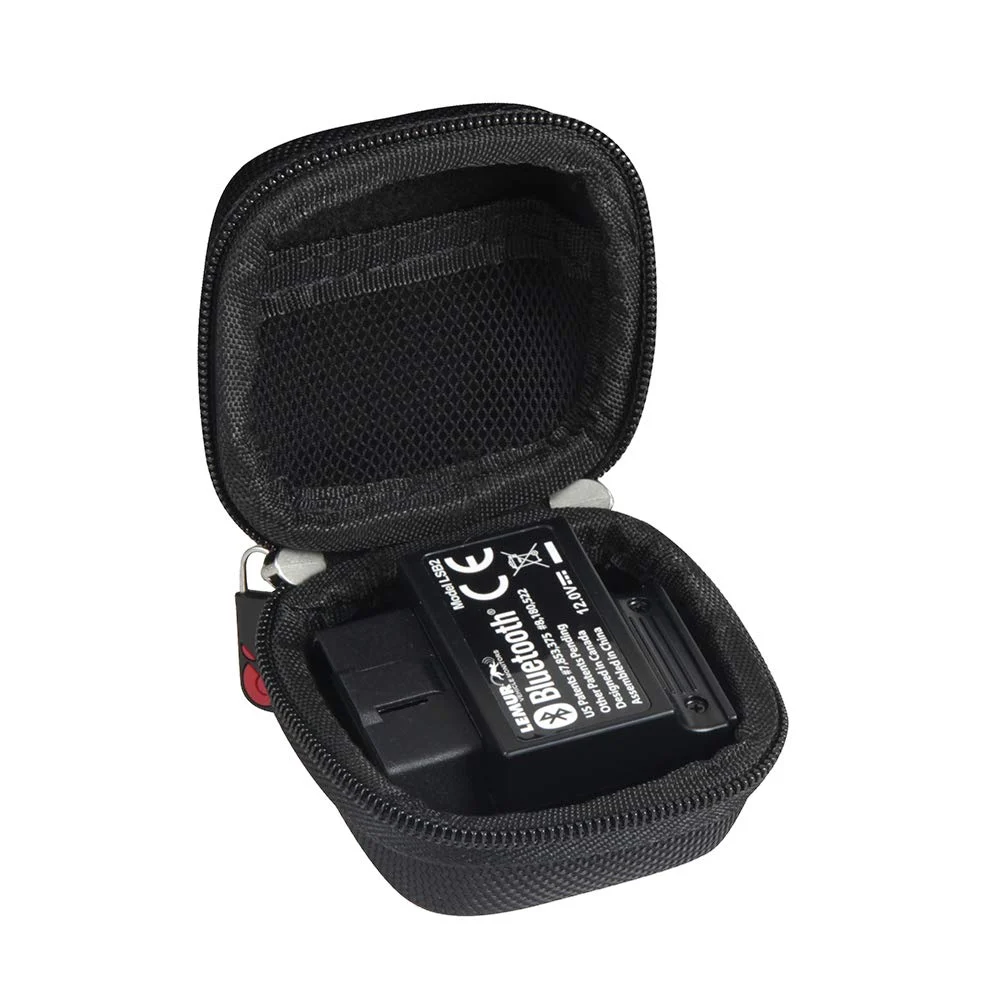
The Hermitshell case earns Best Accessory because it is molded to fit the BlueDriver Bluetooth Pro OBDII Scan Tool, so the adapter travels protected instead of loose in a glovebox.
What matters in daily use
The Hermitshell case is a hard EVA shell built specifically for the BlueDriver Bluetooth Pro OBDII Scan Tool, with internal dimensions of 2.3 x 2.3 x 1.3 inches. That sizing matters because the BlueDriver adapter is a small plug-in dongle that otherwise rides loose in a glovebox or door pocket, where pins and the plastic housing take the knocks. The case is sold alone, so it only makes sense alongside the adapter it was cut for.
As a protective shell rather than a diagnostic device, the case adds nothing to what the BlueDriver OBD2 Scanner can read. Its value is in keeping that adapter intact between scans, which suits anyone who leaves the dongle in the car and moves it between vehicles. Buyers who want a complete kit should pair it with the BlueDriver itself; anyone running the Veepeak OBDCheck BLE+ or OBDLink MX+ gets no benefit, since the interior is shaped for the BlueDriver.
Specifications
| Type | OBD2 adapter (needs a phone app) |
|---|---|
| Connection | Bluetooth |
| Bidirectional | No (read-only) |
| App | BlueDriver |
Pros
- Hard EVA shell resists bumps, dents and scratches
- Interior sized for the BlueDriver adapter specifically
- Keeps a small dongle from rattling loose in the car
Cons
- Fits only the BlueDriver, not other OBD2 adapters
- Sold as case only, with no device included
Bluetooth or Wi-Fi OBD2 adapter: which one fits your phone?
Bluetooth is the safer default for most phones. Bluetooth Low Energy works with iOS and Android and leaves the phone's internet connection free, while classic Bluetooth is mainly an Android path and needs pairing before the app connects. A Wi-Fi OBD2 adapter creates a small network the phone joins, which suits iOS devices and laptop browsers, but that network replaces your normal internet for as long as it is connected.
The app decides more than the radio does. A plug that pairs happily can still be unsupported by the software you intend to run, so check the app's own compatibility list before buying a dongle. That is also why the BlueDriver sits apart from the rest of this list: it ships with its own app rather than relying on a third-party one, which removes the compatibility question but also removes your choice of software.
Why does a cheap ELM327 dongle disconnect mid-drive?
Most dropouts trace back to the chip and firmware inside the plug, not to the car. Genuine ELM327-based adapters and their licensed equivalents handle the full command set and hold a connection through long logging sessions; inexpensive clones often use reduced firmware that stalls on multi-frame replies, times out during live data, or fails on one of the older protocols. That is why a budget dongle can read codes once and then vanish halfway through a drive.
Pairing habits matter too. On iOS, connect from inside the app rather than through the phone's Bluetooth settings, and on Android remove old pairings before adding a new adapter. Some BLE adapters present a fresh address each time they power up, so the app has to search again; leaving the adapter plugged in keeps the address stable and avoids the reconnect loop.
Decision guide
Which Bluetooth OBD2 dongle should you pick for your phone and app?
The Veepeak OBDCheck BLE+ and the BlueDriver both reach ABS, SRS, transmission and TPMS, but they get there differently. Veepeak is a bridge to third-party apps, so capability depends on the app you pair and some of those features are paid. BlueDriver pairs with its own app, which the listing describes as subscription-free, so the coverage is fixed but predictable.
For Ford, Mazda and other enhanced-OEM work, the OBDLink MX+ is the adapter the Ford and Mazda enthusiast community recommends, while the Vgate vLinker MC+ adds SW-CAN and MS-CAN for Ford and GM networks at a lower position on this list. Android users running Torque Pro should look at the OBDLink LX, which is Android and Windows only and will not work with an iPhone at all.
Our process
How we chose our Bluetooth OBD2 Dongle picks
Adapters were shortlisted from the published specifications, connection type, platform support, stated protocol coverage, app compatibility and buyer feedback across a large volume of ratings. Ranking weighs how reliably each adapter pairs with the phones and apps buyers actually use, what the paired app unlocks, and whether the listing states sleep behavior and update terms. Price is judged against that capability rather than on its own.
See also: Bluetooth vs Wired OBD2 Scanner: Which Fits Your Phone, Car and Repair Job.
Common questions
Frequently asked questions
What is the best Bluetooth OBD2 dongle for a Windows PC?
The OBDLink MX+ and the Vgate vLinker MC+ both list Windows support, and the OBDLink LX includes OBDwiz software for Windows. Check that your chosen app has a Windows build, because many popular OBD2 apps are phone-only and the adapter alone will not run on a laptop.
Will a Bluetooth OBD2 dongle work with Torque Pro?
Torque Pro is an Android app, so it needs an Android-compatible adapter such as the Veepeak OBDCheck BLE+, OBDLink MX+, OBDLink LX or Vgate iCar Pro. An iPhone cannot run Torque Pro at all, so iOS buyers should plan on a different app or the BlueDriver's own software instead.
Why does my Bluetooth OBD2 adapter keep disconnecting?
The usual causes are clone firmware that stalls during live data, a phone that paired through system settings instead of the app, or a BLE adapter that changes address on each power cycle. Remove old pairings, connect from inside the app, and leave the adapter plugged in so its address stays stable.
Does a Bluetooth OBD2 adapter drain the car battery if left plugged in?
It can if the adapter never sleeps. The Vgate iCar Pro states a sleep current of about 3mA and the Vgate vLinker MC+ states a 3mA idle draw, while other listings give no figure. Unplug the adapter if the car will sit unused for several weeks.
Can a Bluetooth OBD2 dongle read ABS and airbag codes?
Only when the paired app supports those modules on your specific vehicle. The Veepeak OBDCheck BLE+ and BlueDriver both list ABS and SRS coverage, but generic engine-only firmware cannot see them. A warning light for brakes or airbags deserves a proper diagnosis, not just a code clear.
Bottom line
Final verdict
- Most buyers with an iPhone, an Android phone or both: Veepeak OBDCheck BLE+. It covers Bluetooth LE and classic Bluetooth, runs the common third-party apps, and reaches ABS, SRS and TPMS where the app supports them, which no other adapter here matches across both platforms.
- Buyers who want one app and no subscription: BlueDriver OBD2 Scanner. BlueDriver bundles enhanced ABS, SRS, TPMS and transmission coverage into its own app, trading the flexibility of third-party apps for a fixed, predictable feature set.
- Ford, Mazda and Android datalogging owners: OBDLink MX+. The OBDLink MX+ is the adapter Ford and Mazda enthusiasts recommend and adds enhanced OEM support for several makes, while the OBDLink LX is the cheaper Android-only route for Torque and laptop logging.
Final decision
Compare two finalists
Choose the two picks you narrowed down to see who each one suits and the main reason to skip it.
Keep reading
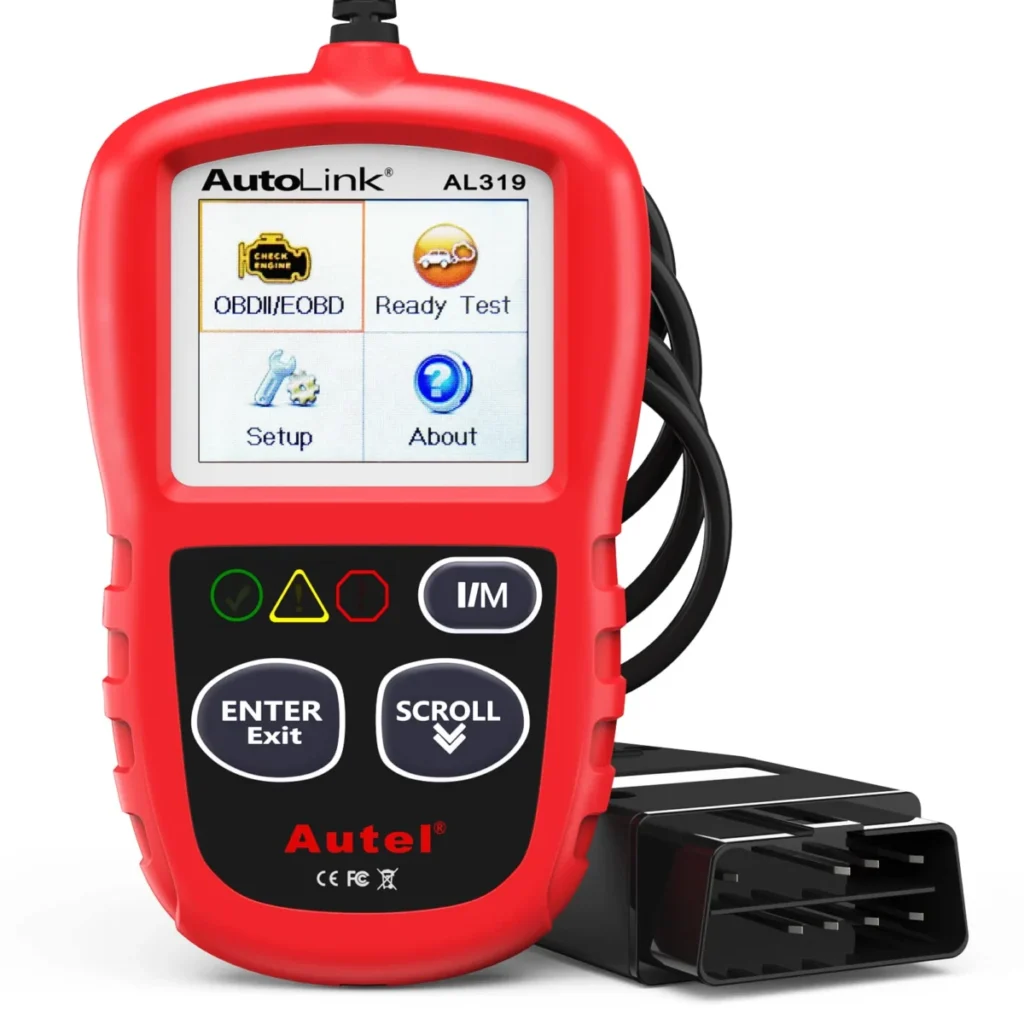
7 Cheap OBD2 Scanners Ranked by What Each Price Actually Buys
The Autel AL319 is our top pick among 7 cheap obd2 scanners, compared on device class, systems read and total cost of,…
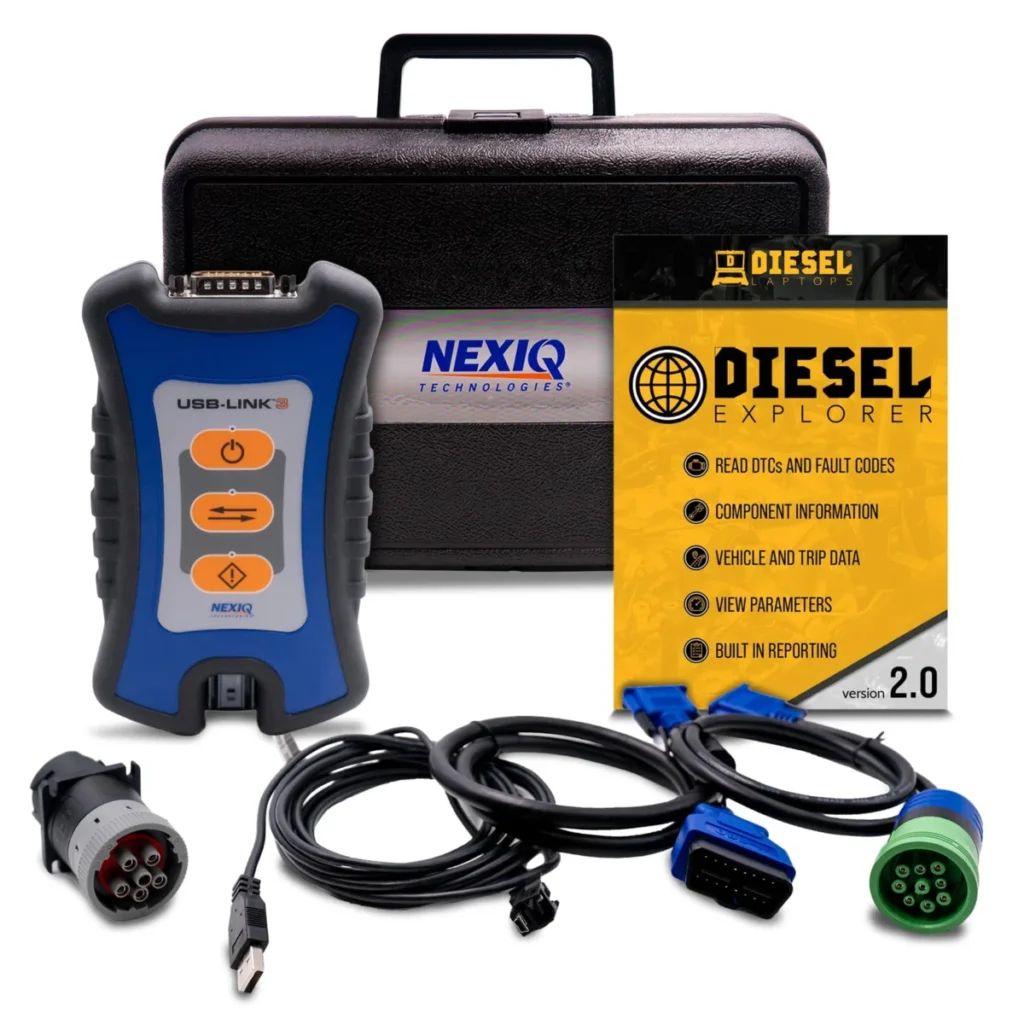
Laptop OBD2 Software: 4 Picks and the Adapters They Accept
The Diesel Laptops Nexiq USB Link 3 Wired is our top pick among 4 obd2 software for laptops, compared on adapter compatibility,…
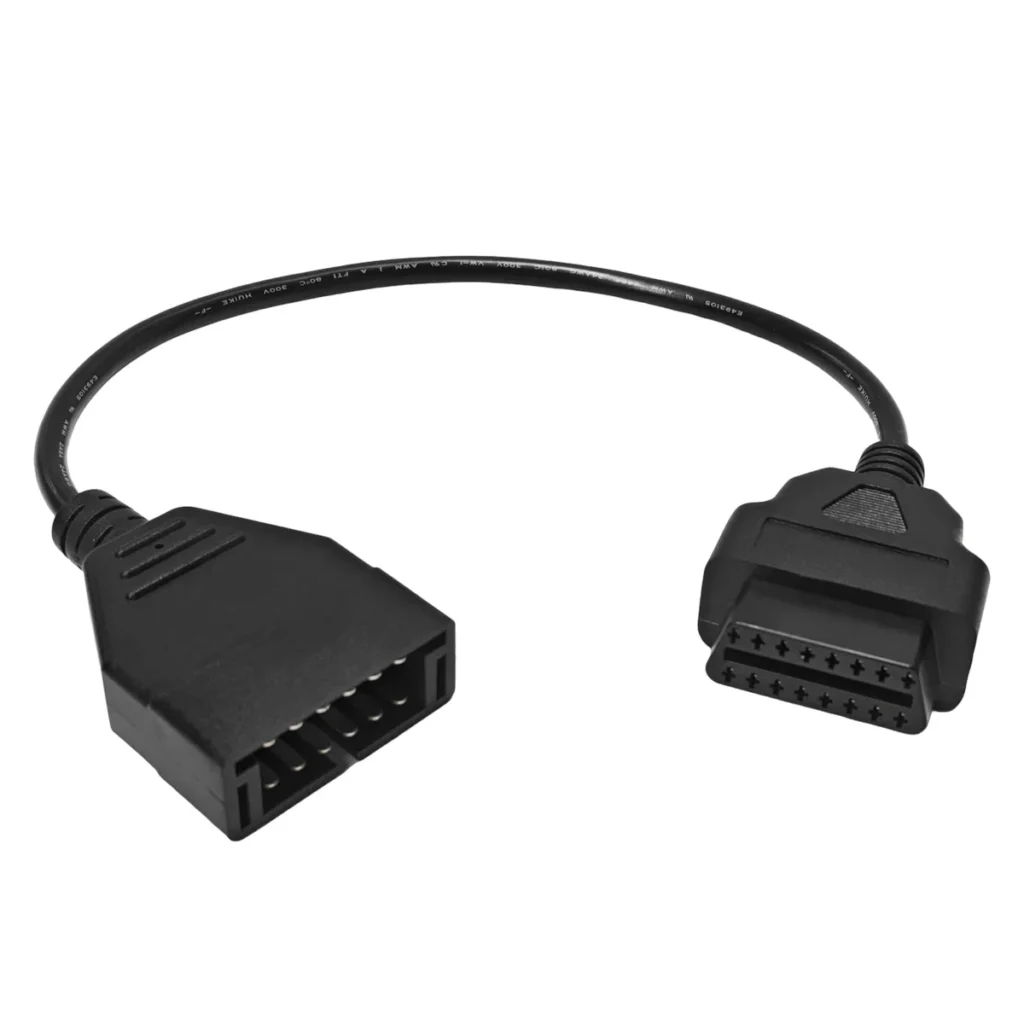
7 OBD1 to OBD2 Adapters Ranked by Connector, Not Popularity
Seven OBD1 to OBD2 adapters ranked by connector: GM 12-pin ALDL, Mazda 17-pin, Ford 7-pin, BMW 20-pin and Chrysler 6-pin, plus when…